Beer Factory v89.02 (Build 15087773)

- 89.02 (Build 15087773)
- FREE DOWNLOAD
- TORRENT
Table of Contents
About The Game
Beer Factory is a fun and challenging simulator where you manage your own brewing empire. From raw materials to finished beer, every aspect of the process is under your control, and it doesn’t end there. The game dives into the intricacies of logistics, personnel management, and economic strategy, which makes it much more than an ordinary project. The realism of the title is evident in the fact that you import and store necessary ingredients such as barley, hops and water, and then turn them into malt and wort.
The brewing process unfolds in tanks and is then carefully stored in barrels and bottles before being shipped to thirsty customers. The difficulty lies in maintaining a delicate balance between supply and demand, as well as maintaining the quality and quantity of products produced. Personnel management is another important aspect of the Beer Plant’s work. You will have to recruit, train, motivate and even consider firing employees. Assigning employees to specific areas such as a refinery, brewery, bottling plant or warehouse becomes your responsibility.
Working with their individual characteristics, skills and preferences adds an additional level of complexity to the project. Beer Factory’s ability to combine realistic beer production elements with complex logistics and employee management challenges makes the game interesting for those who enjoy solving strategic and management problems. Whether you’re a seasoned beer drinker or a budding entrepreneur, this title provides a unique and exciting opportunity to run your own beer empire.
NOTE. Uploaded version: 26 December 2025 [v89.02 (Build 15087773)]. This is Full Release and latest version of game. The game is already Packaged in Installer and ready to run the game after install, read the instruction below.
System Requirements
MINIMUM:
Requires a 64-bit processor and operating system
OS: Windows 7/8/10
Processor: Intel® Core [email protected] or AMD FX [email protected]
Memory: 8 GB RAM
Graphics: Nvidia GeForce GTX 780 (3 GB) or AMD Radeon R9 290 (4 GB)
DirectX: Version 12
Storage: 5 GB available space
Sound Card: None
Additional Notes: Only Windows supported
Screenshots
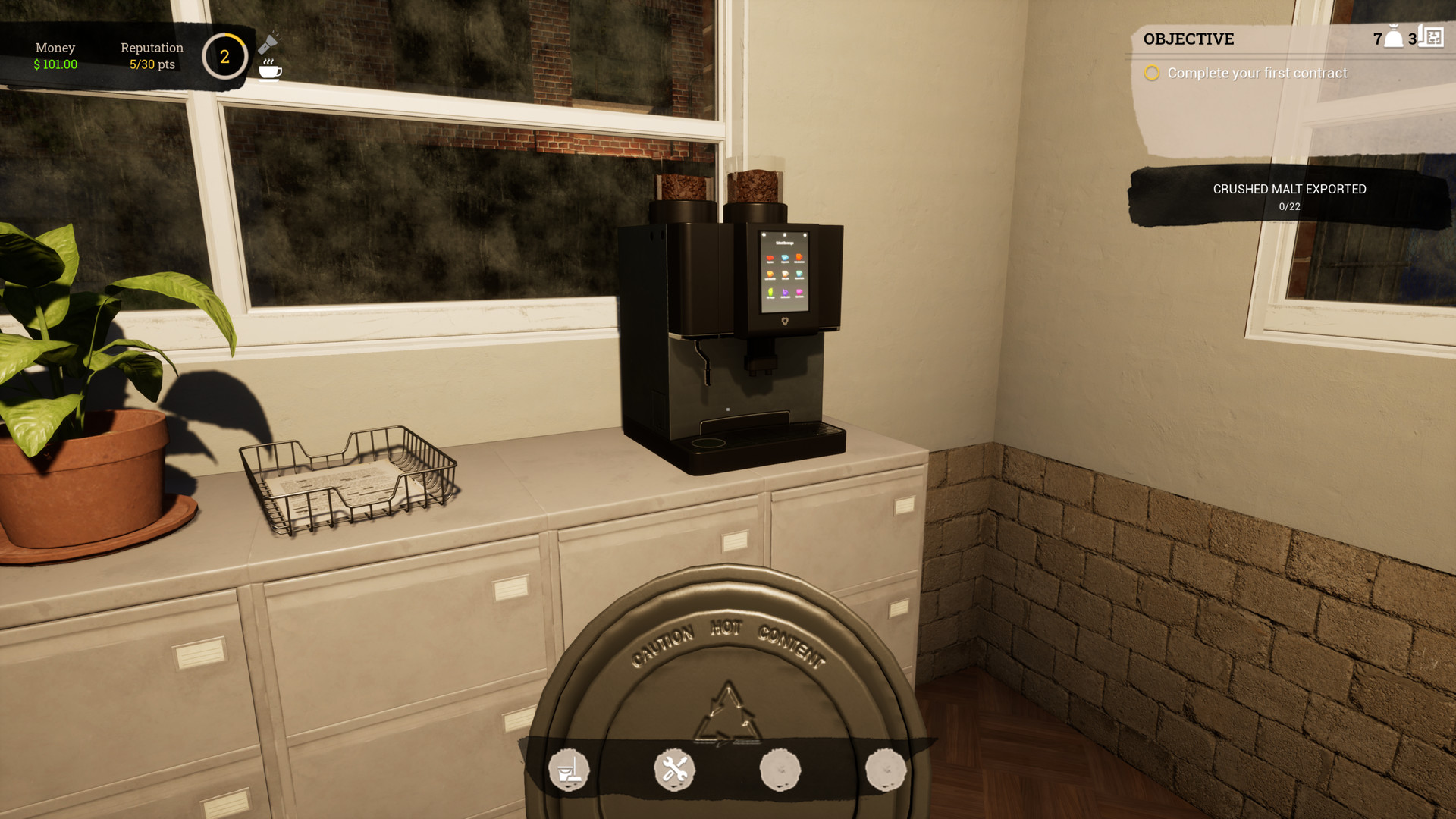
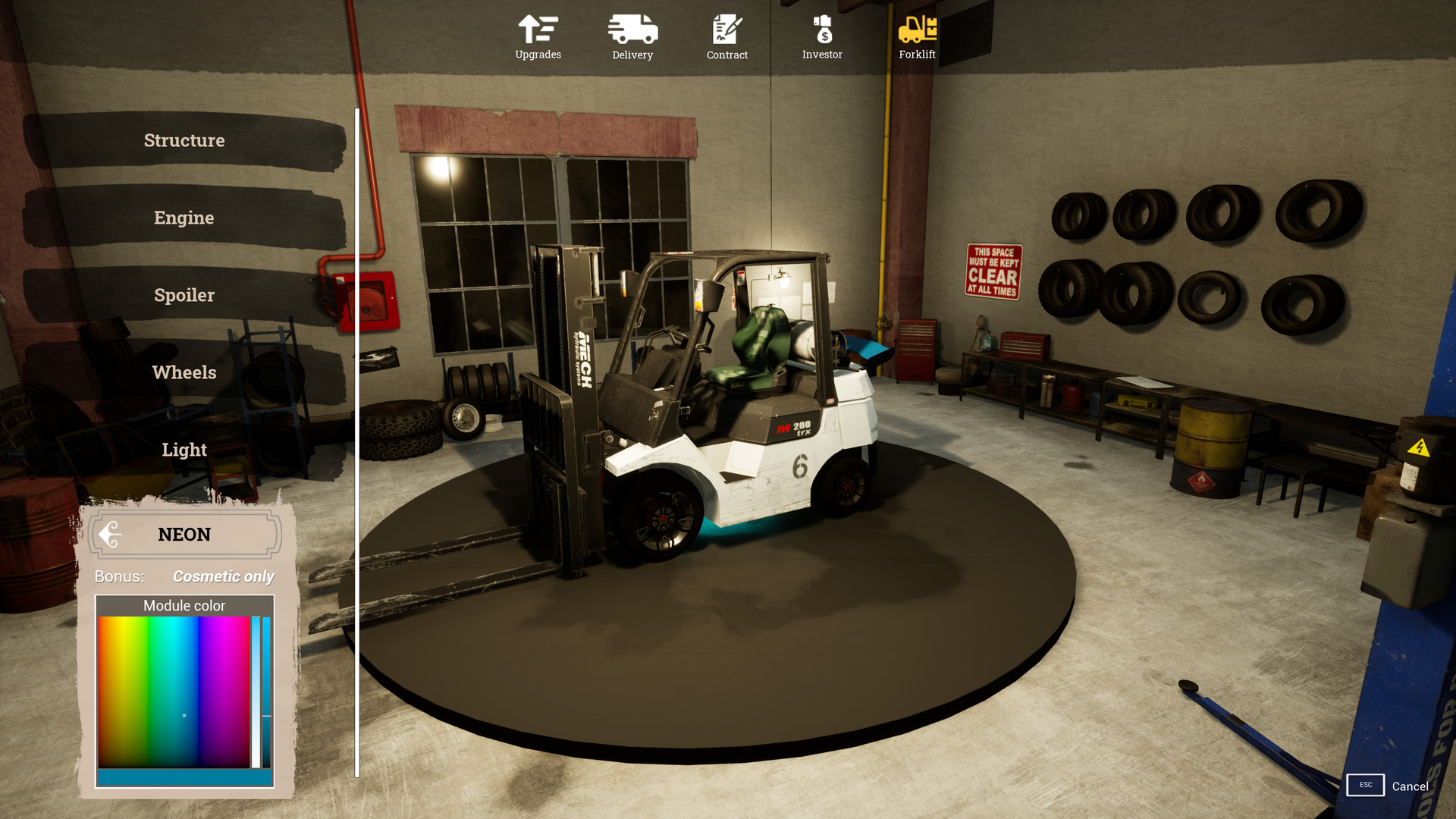
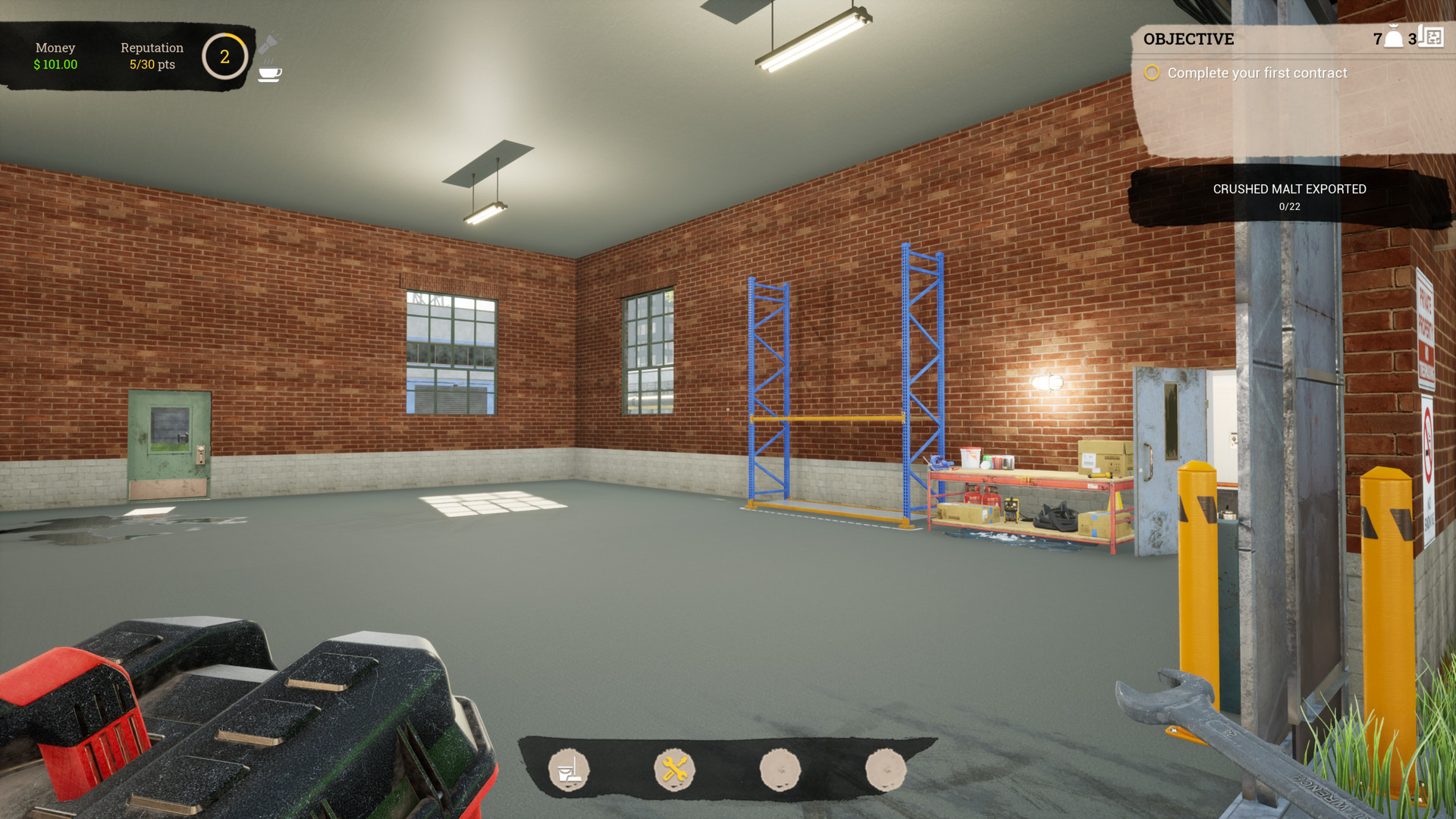
Gameplay Trailer
How to Install
- Download the game files through torrent.
- Run the installation file «[gamename].setup.exe», follow the instructions.
- Choose a place on the disk, where the game will be installed.
- Wait for the notification that the game is installed.
- Сlick on the label of the game, Play!
Download Beer Factory v89.02 (Build 15087773)
Alternative Mirrors
Game Update History
- Beer Factory v69 → v89.02 (Build 15087773) [ 26.12.2025 ]
- Beer Factory Playtest → v69 Build 13138633 [ 11.01.2024 ]
- Beer Factory → Playtest [ 03.01.2023 ]




Comments 3