Save game files let you skip what you don't want to replay. A 100% completion save for a game you finished years ago and want to revisit without starting over. A character at a specific story point so you can jump straight into the content you actually care about. A profile with everything unlocked, every collectible found, every side quest done. Save files are the fastest way to get exactly where you want to be without grinding through content you have already seen.

The most useful saves are for massive open world games where replaying means dozens of hours. GTA 5, Skyrim, The Witcher 3, Red Dead Redemption 2, and Cyberpunk 2077 are common targets. A completed GTA 5 save with every property owned and every mission finished. A Skyrim character at level 80 with the main quest and all faction storylines resolved. A Witcher 3 save with both expansions completed and the best endings unlocked. These files save you the time investment while still giving you a fully populated world to explore at your leisure.

Each save file listing tells you exactly what is included. Which missions are completed, what level the character is, which choices were made at key story points. Installation is straightforward, usually just copying a file to the correct folder. Browse by game, find a save that matches what you want, and skip straight to the part of the game that matters to you.
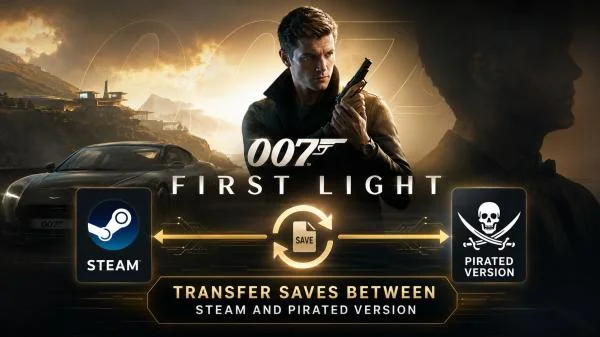
007 First Light - Transfer Saves between Steam and Pirated version v44.1.1780182441 mod
4 4/5 (3)

007 First Light - Transfer Saves between Steam and Pirated version v44.1.1780182441

007 First Light EonaCat 1 374 0

Game Save Transfer Tool is a lightweight utility that allows you to move your progress between pirated (cracked) and legitimate Steam versions of a game. Developed for users who switch from a cracked copy to a purchased Steam release, this tool resigns the save files by patching the embedded Steam ID. The latest version requires .NET 8.0 (provided via link) and works with standard save file pairs: index.save and data.save. You simply select the folder containing your existing saves, enter the target Steam ID, and click a button – the program automatically re‑signs the files, making them compatible with your new game version.