BOXROOM Build 23900383
- P2P
- Build 23900383
- FREE DOWNLOAD
- NEW GAME!
About The Game
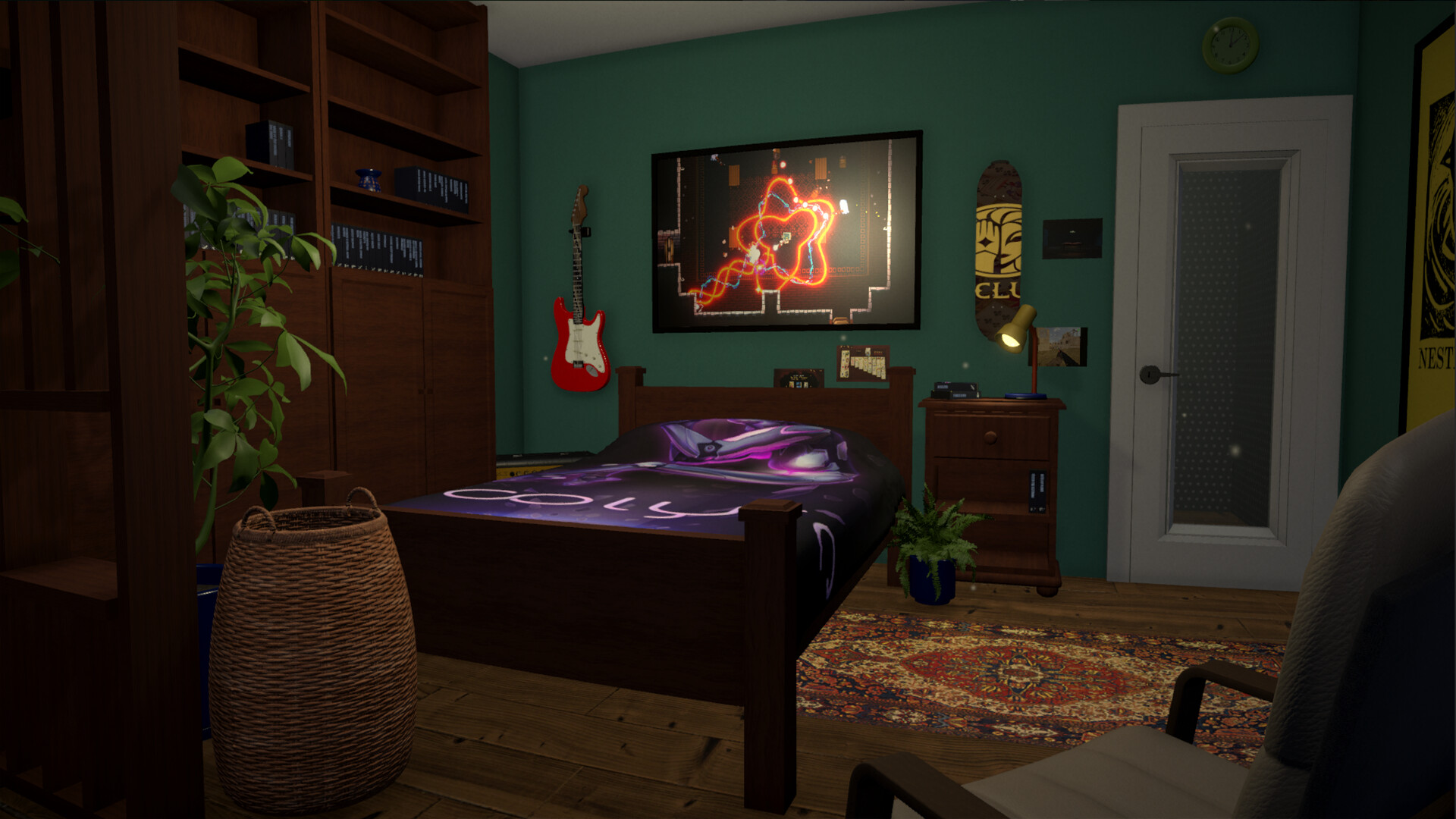
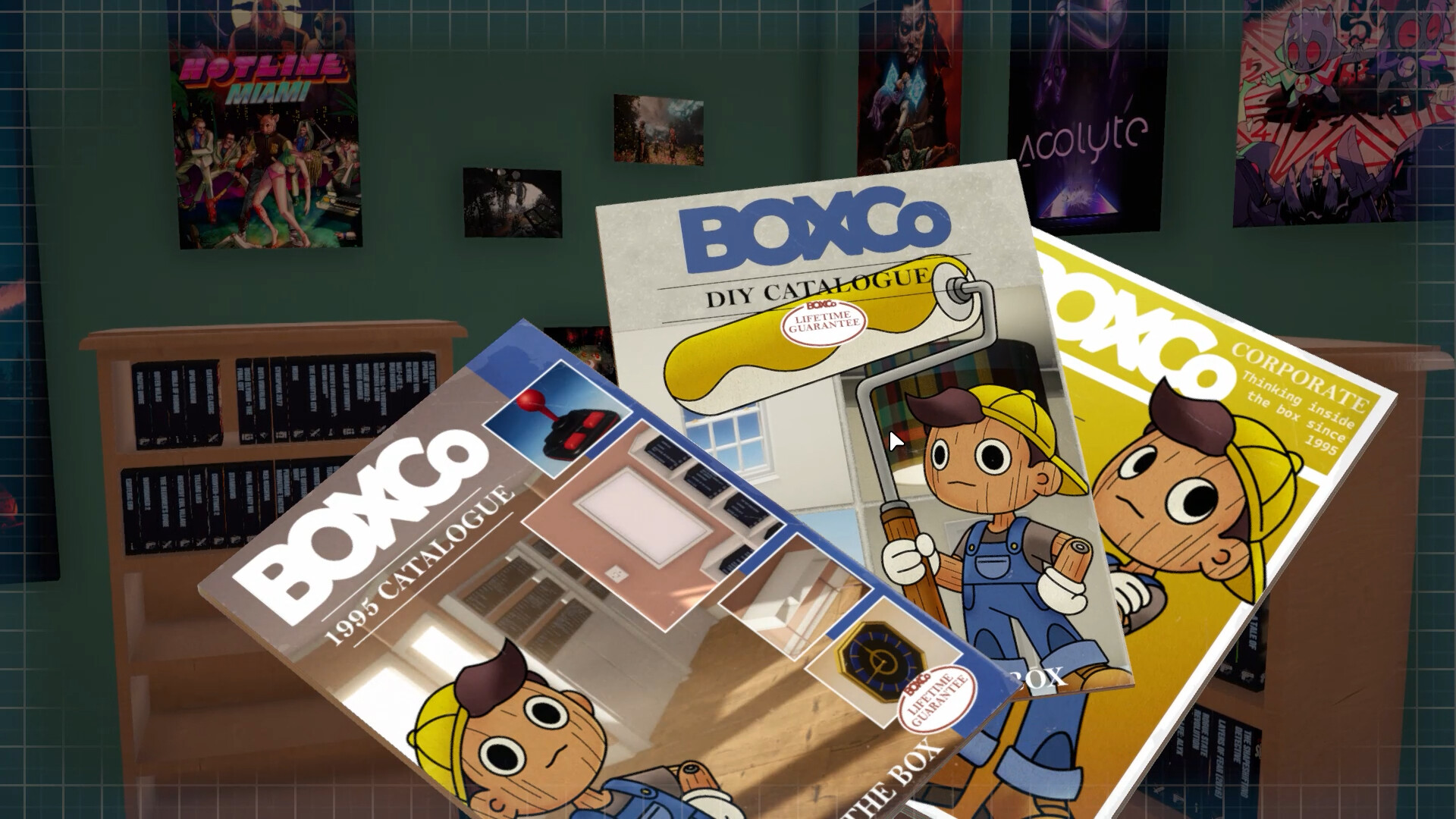
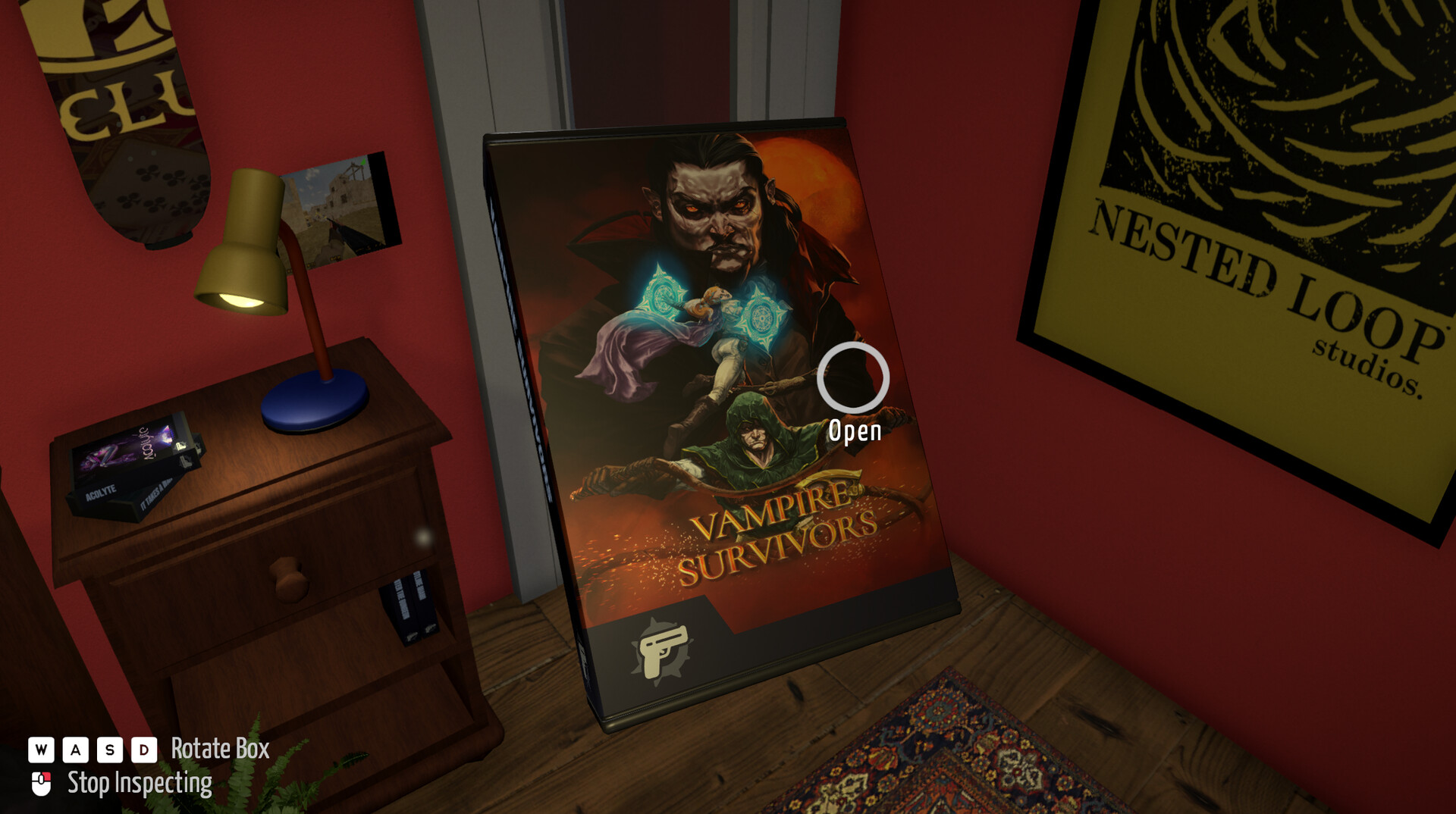
BOXROOM is a room design and game collection simulator where you create your own space and arrange real titles from your library on shelves, turning your digital list into a tangible display. Gameplay is built around decorating, arranging, and interacting with objects, allowing you to literally touch your collection and organize it the way you want. The real thrill comes from the feeling that your library is no longer just a list. You pick up boxes, twist them, put them on shelves, rearrange them, create order or, conversely, chaos. There's no pressure or goal in this process only the opportunity to personalize the space and enjoy the experience of interacting with the objects. The room gradually becomes a reflection of your taste. You can arrange everything neatly and symmetrically or create a disordered but vibrant collection. Adding details like posters or figurines enhances the effect, and at some point it's no longer just a room, but a full fledged place you want to return to.
Game Features
- Import your existing Steam library.
- Furniture and decor customization.
- Launch games directly from your room.
- User-generated content support.
NOTE. Uploaded version: 26 June 2026 [v0.7.16.3 Build 23770344]. This is Early Access Release and latest version of game. The game is already Pre-Installed and ready to run the game, read the instruction below.
System Requirements
Minimum:
OS *: Windows 7 SP1+ (64-bit recommended)
Processor: Intel Core i3-2100 / AMD FX-6300 or better
Memory: 2 GB RAM
Graphics: Integrated Graphics (Intel HD 4000 or equivalent)
DirectX: Version 10
Network: Broadband Internet connection
Storage: 1 GB available space
Sound Card: DirectX-compatible sound card
Recommended:
OS: Windows 10/11, 64-bits
Processor: Intel Core i5 4690K / AMD Ryzen 5 1500x
Graphics: NVidia GeForce 1080 GTX /AMD RX 5700
DirectX: Version 11
Network: Broadband Internet connection
Storage: 2 GB available space
Sound Card: DirectX-compatible sound card
Screenshots
Gameplay Trailer
How to Install
- The first thing we do is download the game files.
- Unzip the archive to the hard disk. (how to unzip .rar)
- Wait for the unpacking process to finish.
- Start the game «BOXROOM.exe» from game folder.
- The language changes in the menu.
Game Update History
- BOXROOM → v0.7.16.3 Build 23770344 [ 26.06.2026 ]


Comments 0