Data Center: Update v1.1 (TENOKE)
- TENOKE
- 1.1
- FREE DOWNLOAD
- TORRENT
- NEW GAME!
About The Game
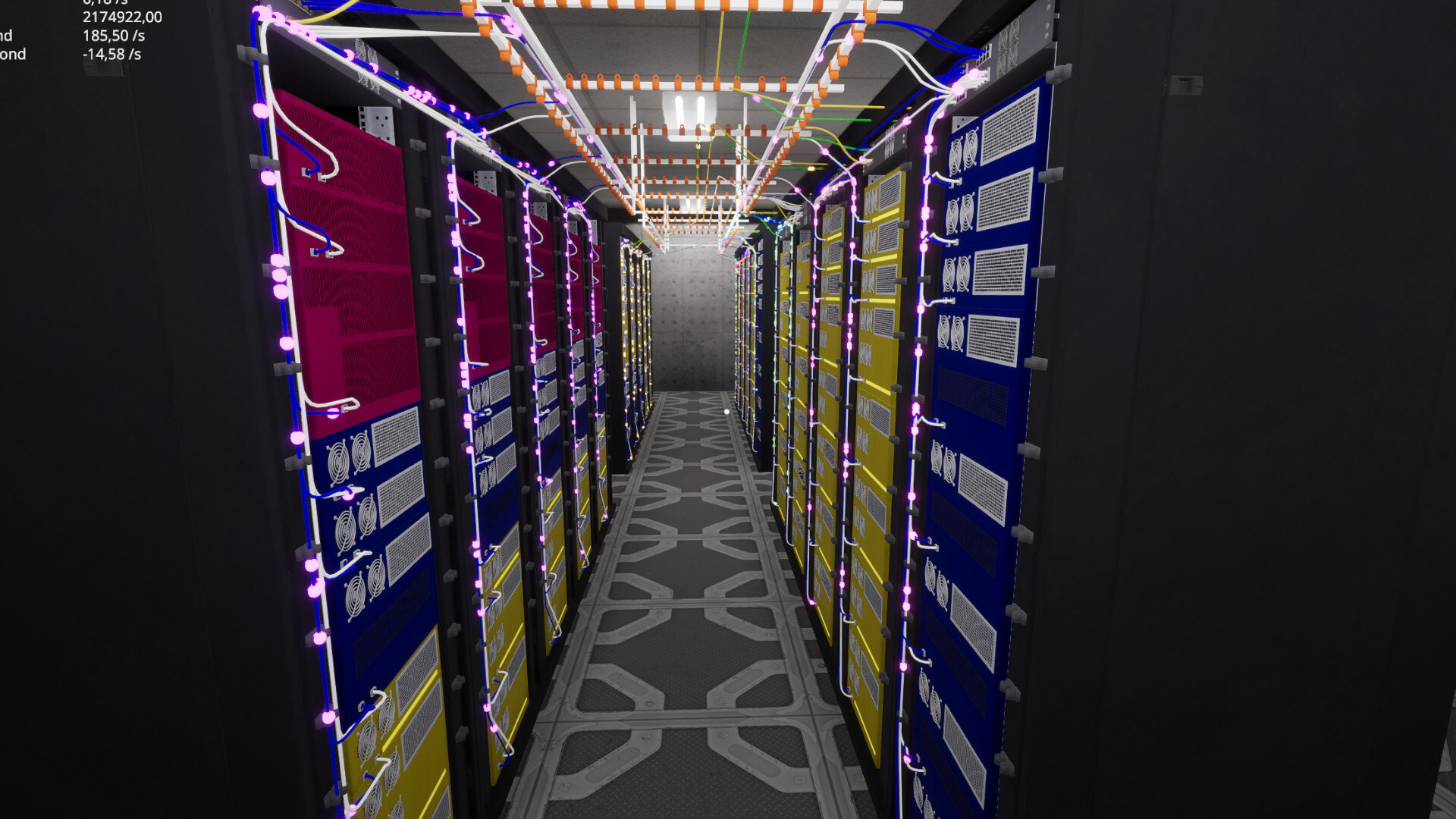
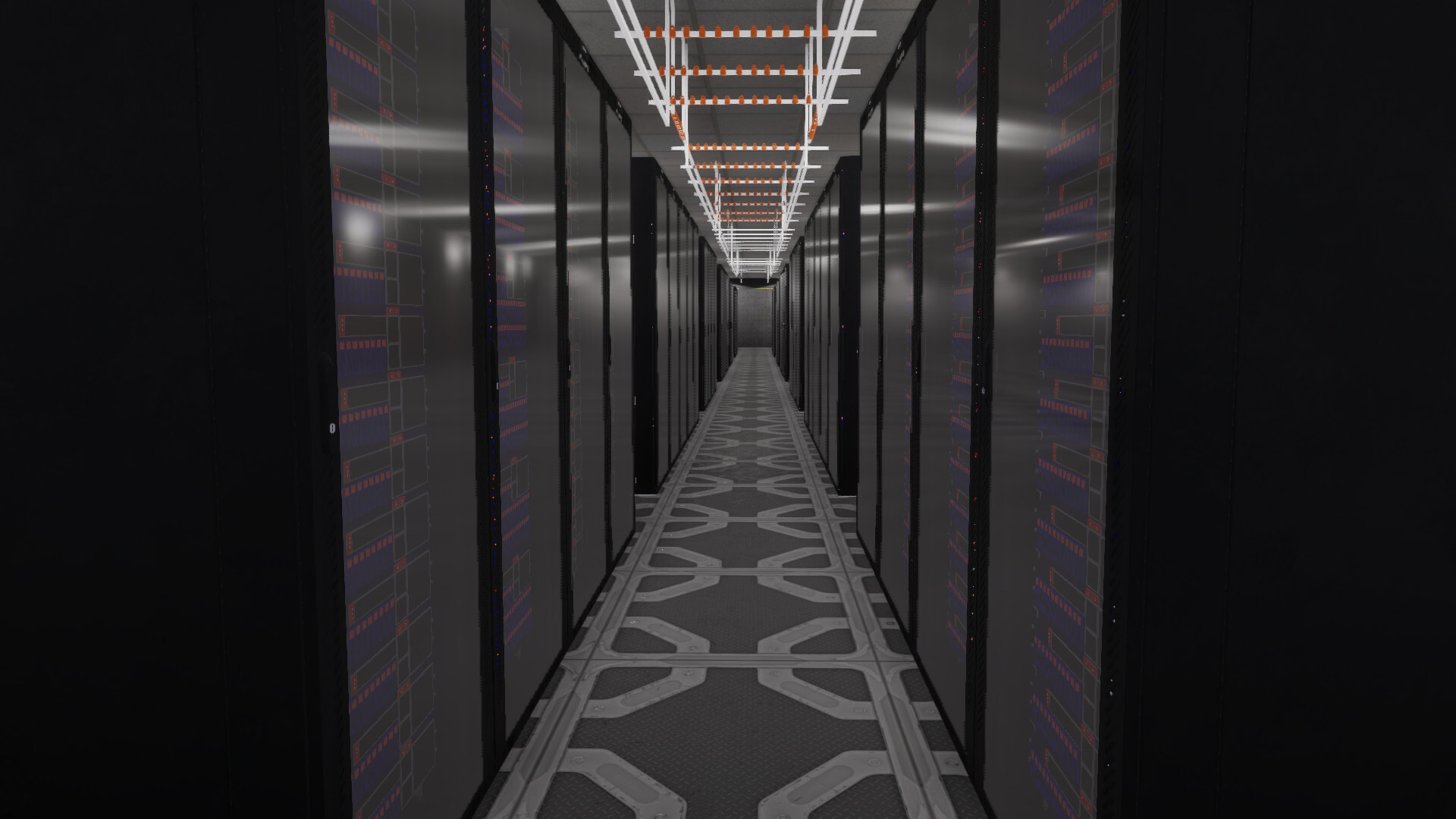
Data Center is a calm yet engaging simulator in which players are challenged to literally "build the internet themselves," starting with an empty space and gradually transforming it into a fully-fledged data center. There's no typical automated setup here: every action feels physical you manually position server racks, lay cables, and connect devices so that everything functions as a single system. Data flows are visualized, creating a pleasant sense of control as the network comes to life and functions.
The challenges become more complex as the network evolves: new requirements emerge, the load increases, equipment requires upgrades, and design errors can lead to failures. It's important not only to increase capacity but also to properly organize the structure to ensure the system remains stable. The game takes its time and allows for experimentation, allowing you to learn from your own decisions. Gradually, you gain an understanding of how to optimize processes and build more efficient systems. The Data Center feels like a meditative construction site, where the pleasure comes from the process of setting it up and gradually transforming the chaos of wires into a smoothly functioning system.
NOTE. Uploaded version: 1 July 2026 [Build 22603480] + Update v1.1. This is Full Release and latest version of game. The game is already Packaged in ISO File and ready to run, read the instruction below.
-
Hands-on data center building: buy racks, servers, and switches; stack hardware and route Ethernet by hand.
-
Visual networking: see packets as colored balls per customer, making flow, congestion, and capacity instantly readable.
-
Customer-driven goals: connect enough servers to each app to meet requirements and keep contracts running.
-
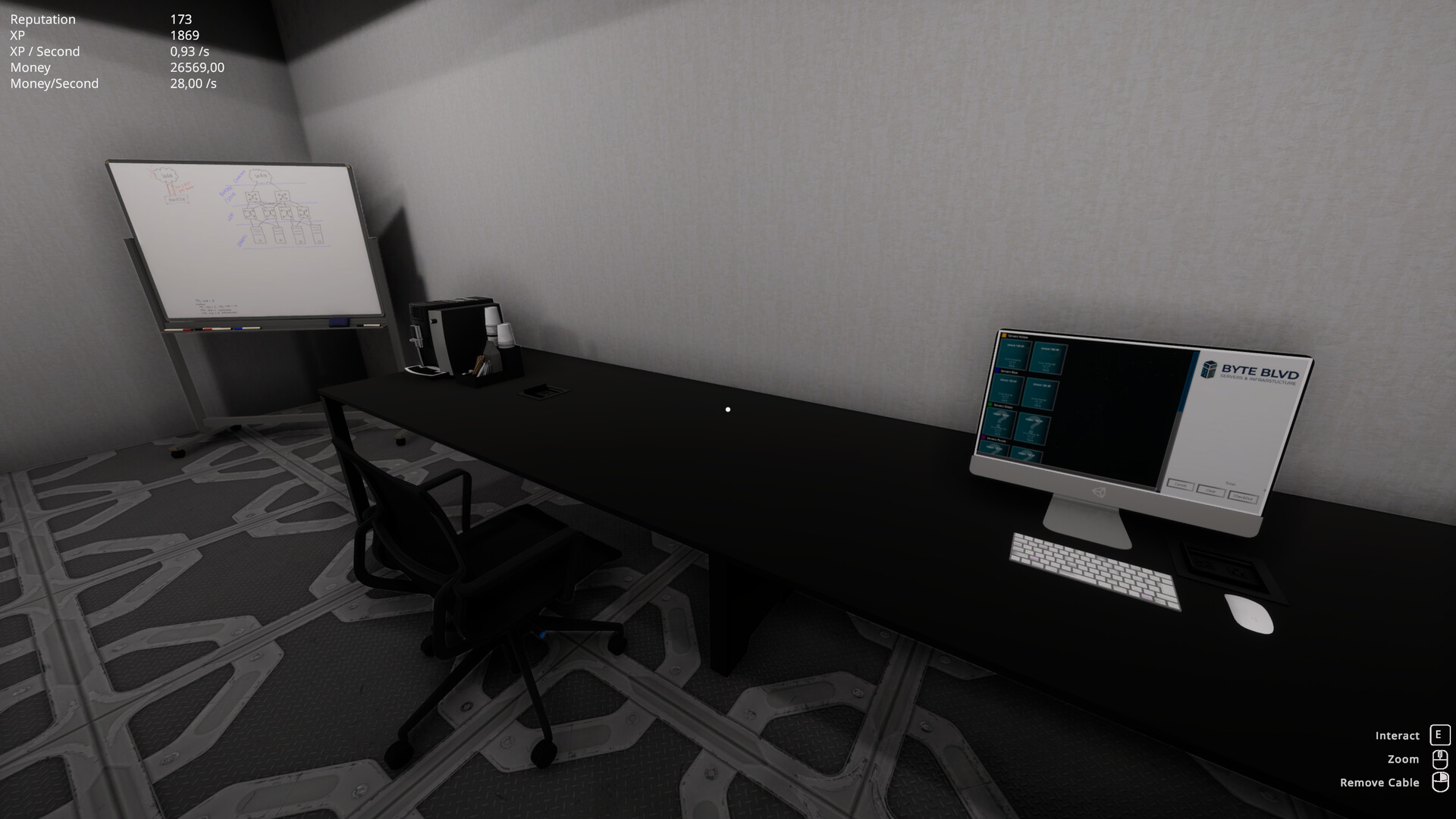
Progression that rewards good design: process data to earn money, gain XP to unlock new devices, and build reputation to attract new customers.
-
Reliability and maintenance: devices have lifespans and can fail—plan replacements, manage downtime risk, and keep services online.
-
Redundancy that matters: give servers redundant connections and create alternate paths so traffic stays reachable when a switch or link dies.
-
Evolve your layout: upgrade hardware, recable to remove bottlenecks, and scale your floor from scrappy beginnings to a bustling operation.
-
Immediate feedback: every placement, failure, connection, and upgrade changes how packets move—optimize by watching the network breathe.
System Requirements
Minimum:
OS: Windows 10+
Processor: Intel Core i5 - 4670 or AMD equivalent
Memory: 8 GB RAM
Graphics: NVIDIA GTX 960 or AMD equivalent
DirectX: Version 11
Storage: 2 GB available space
Recommended:
OS: Windows 11 64 Bit
Processor: Intel Core i5 - 6600k or AMD equivalent
Memory: 16 GB RAM
Graphics: NVIDIA GTX 1070 or AMD equivalent
DirectX: Version 11
Storage: 2 GB available space
Screenshots
Gameplay Trailer
How to Install
- Download the Full game Data.Center-TENOKE through torrent.
- Mount the Full ISO-image game in the «UltraISO».
- Install the game on you PC, wait for 100% installation.
- Copy all files of the folder «CRACK» in game folder.
- Download and install Update v1.1, in game folder. (how to Update the game)
- Lock the game folder in the Windows firewall.
- Play!
Download update only: Data.Center.Update.v1.1-TENOKE, MIRROR [ 2.2 GB ]
- Extract.
- Run setup.exe and install.
- Copy crack from RUNE dir to install dir.
- Play!
Download Data Center: Update v1.1 (TENOKE)
Alternative Mirrors
Game Update History
- Data Center Build 22603480 → Update v1.1 [ 01.07.2026 ]
- Data Center → Build 22603480 [ 02.04.2026 ]


Comments 1