Gothic Remake - Ultimate Engine Tweaks No VRR v15.1.0.1780694999 mod preview

Gothic Remake - Ultimate Engine Tweaks No VRR v15.1.0.1780694999

No VRR v15.1.0.1780694999 FREE DOWNLOAD DIRECT LINK

Mod Info

  • GameGothic Remake
  • Mod versionNo VRR v15.1.0.1780694999
  • AuthorP40L0
  • File size7.95 KB
  • Released2026
4.7
User Rating
3 votes

About This Mod

Gothic Remake – Ultimate Engine Tweaks is the definitive, deeply refined Engine.ini configuration for the Unreal Engine 5 version of Gothic 1 Remake. Created by a modder with over a year of experience optimising more than 40 different UE5 titles, this mod comprehensively balances resource allocation between your CPU, GPU, RAM, and SSD. The result is noticeably improved stability and smoothness, with no reduction in visual quality and no introduced graphical bugs.

The latest version of the mod eliminates the vast majority of stutters, evens out frame timing, and reduces input lag, making character controls feel more responsive. It also enhances overall image sharpness, optimises film grain and motion blur effects, and completely removes the distracting chromatic aberration. Anti‑aliasing and scaling technologies (DLSS/FSR) work significantly better, with greatly reduced ghosting and flickering on fine textures.

The mod is offered in two versions:

  • VRR version – choose this if you have G‑Sync or FreeSync enabled on your monitor and in your graphics card control panel.

  • No VRR version – use this if variable refresh rate is turned off or not supported.
Features

  • Eliminates most stutters and evens frame times

  • Reduces input lag for more responsive controls

  • Removes chromatic aberration completely

  • Optimises DLSS/FSR – less ghosting, less texture flickering

  • Improves sharpness, motion blur, and film grain

  • No visual quality loss – keeps original graphics intact

  • Two versions for VRR and non‑VRR setups

Screenshots

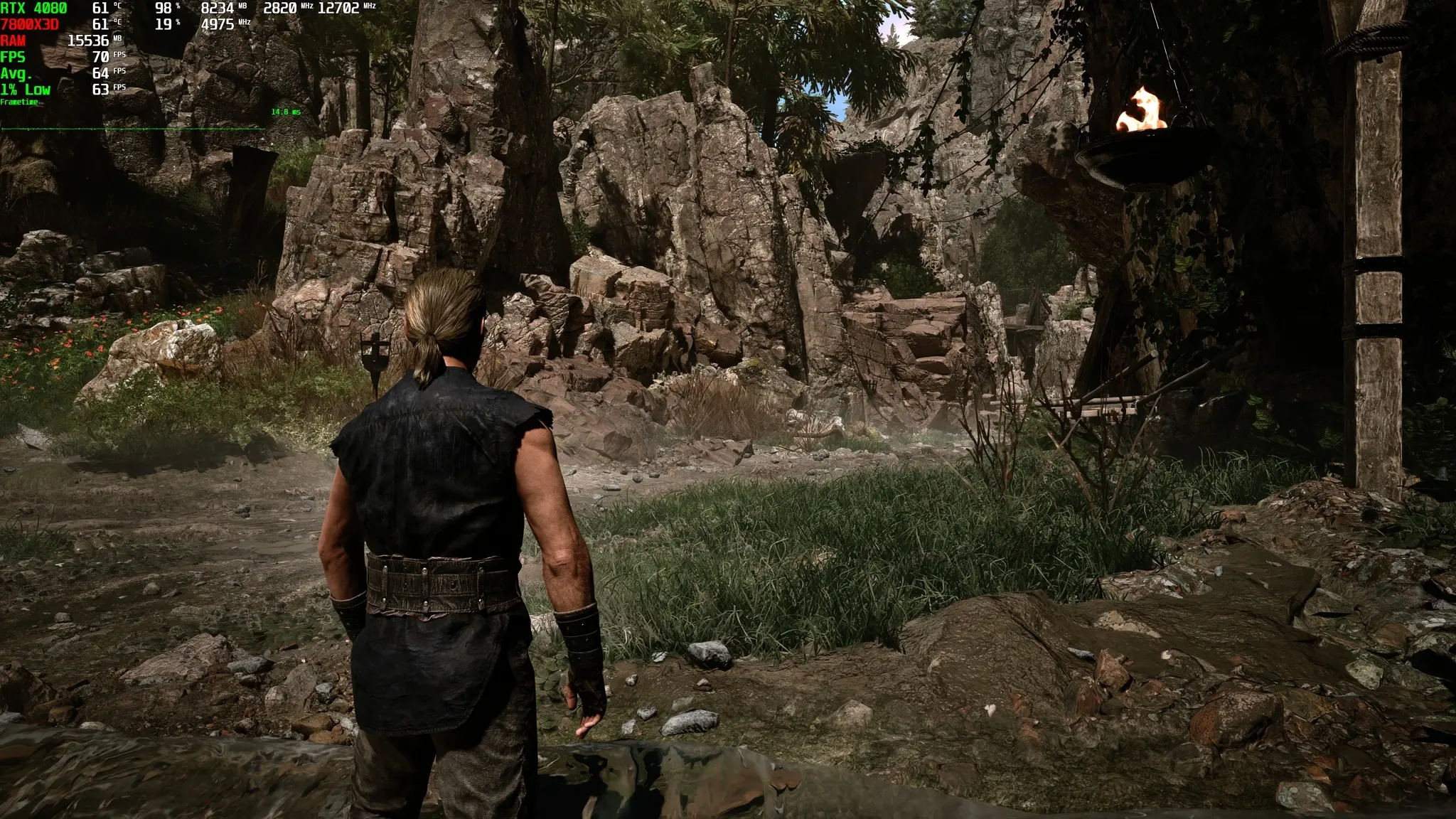
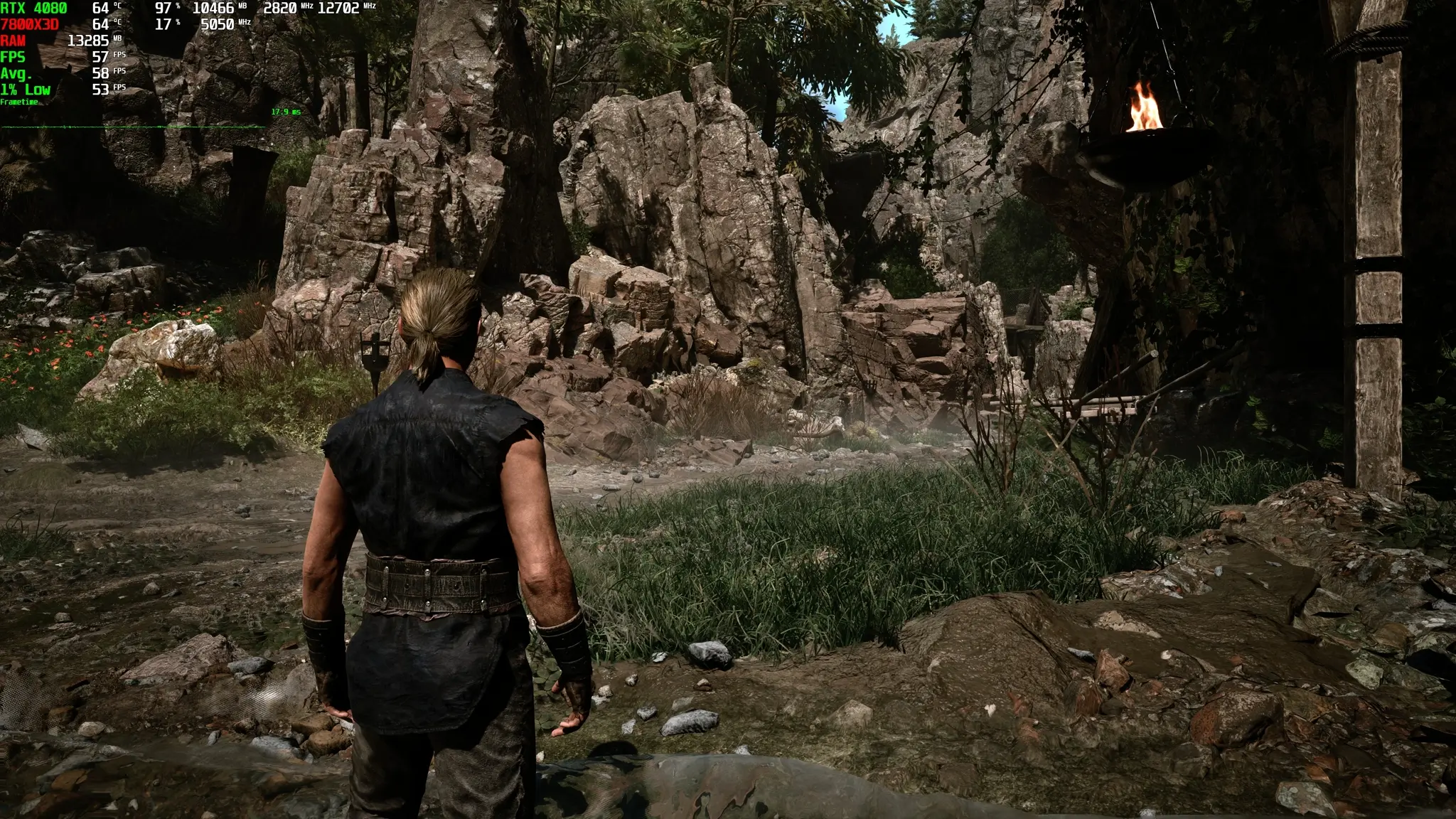
Gothic Remake - Ultimate Engine Tweaks No VRR v15.1.0.1780694999 screenshot 1
Gothic Remake - Ultimate Engine Tweaks No VRR v15.1.0.1780694999 screenshot 2
Gothic Remake - Ultimate Engine Tweaks No VRR v15.1.0.1780694999 screenshot 3

How to Install This Mod

  1. Launch the game at least once then close it to generate necessary folders.

  2. Download the archive and choose the correct config version (VRR or No VRR).

  3. Press Win + R, type %localappdata%\G1R\Saved\Config\Windows and press Enter.

  4. Extract the Engine.ini file into that folder, replacing the original.

  5. Right‑click the new Engine.ini, open Properties, tick Read‑only, then Apply/OK.

  6. Launch the game. Set in‑game Sharpness slider to 0 (Off) as recommended.

  7. To uninstall, simply delete the Engine.ini file – the game will regenerate default settings.

If you want a smoother, more responsive Gothic Remake experience without sacrificing any of its stunning UE5 visuals, you can download the latest version and install these tweaks today.

Direct linkG1R_-_Ultimate_Unreal_Engine.ini_No_VRR_-15-1-0-1780694999.zip

DIRECT LINK1 DIRECT LINK2

Mod Update History

Gothic Remake Ultimate Engine Tweaks → No VRR v15.1.0.1780694999 [ 07.06.2026 ]

Rate This Game

Leave a review — how was the game?
Report issues — bugs, crashes, errors?
Ask questions — need help?
Your input makes the game better!

Comments 0