Guild of Ascension - PLAZA + Update v1.0.3
- PLAZA
- 1.0.3
- FREE DOWNLOAD
- TORRENT
Game updated on 21-01-2022, 20:41. Current version / latest version: 1.0.3.
Table of Contents
About The Game
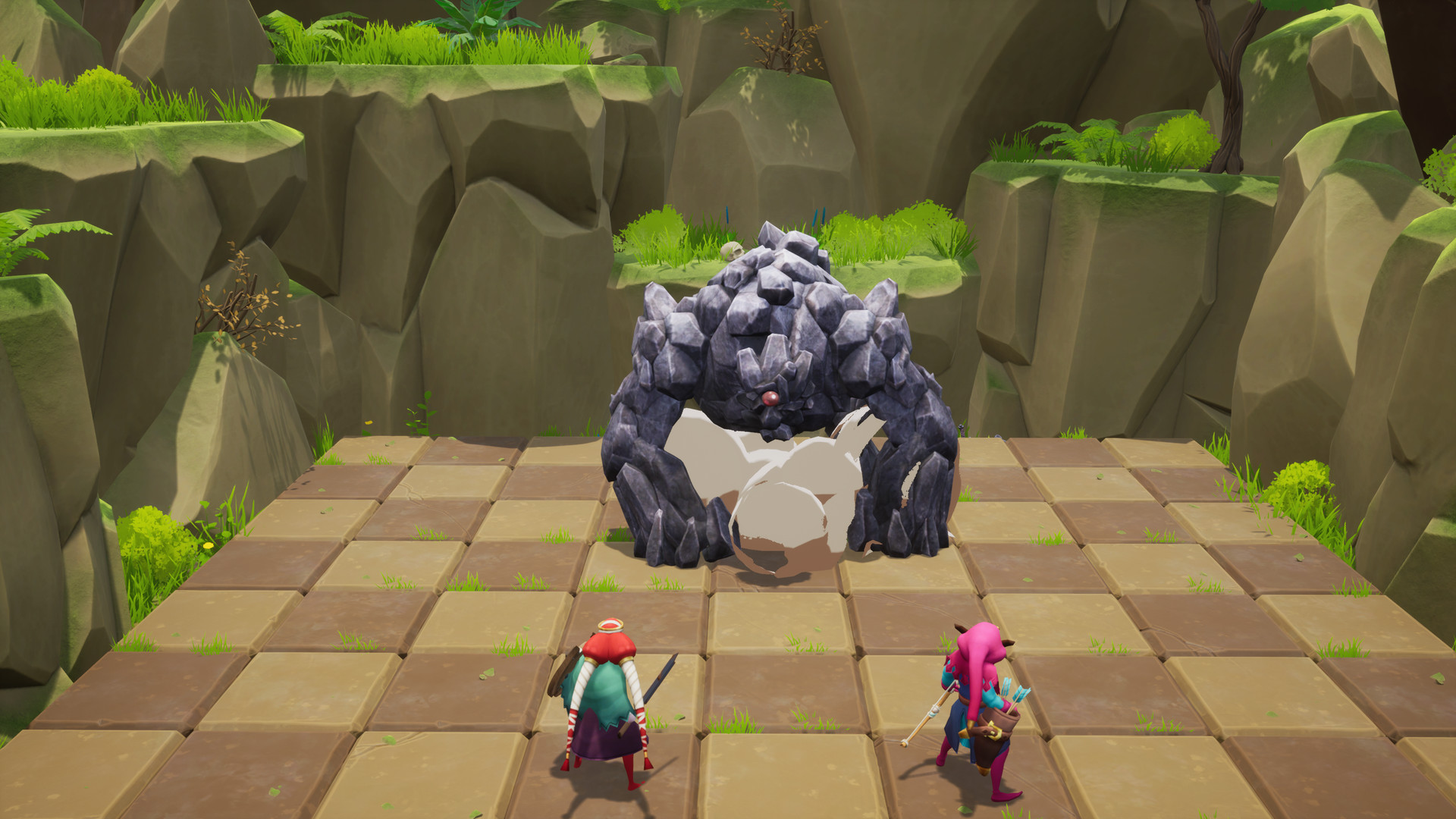
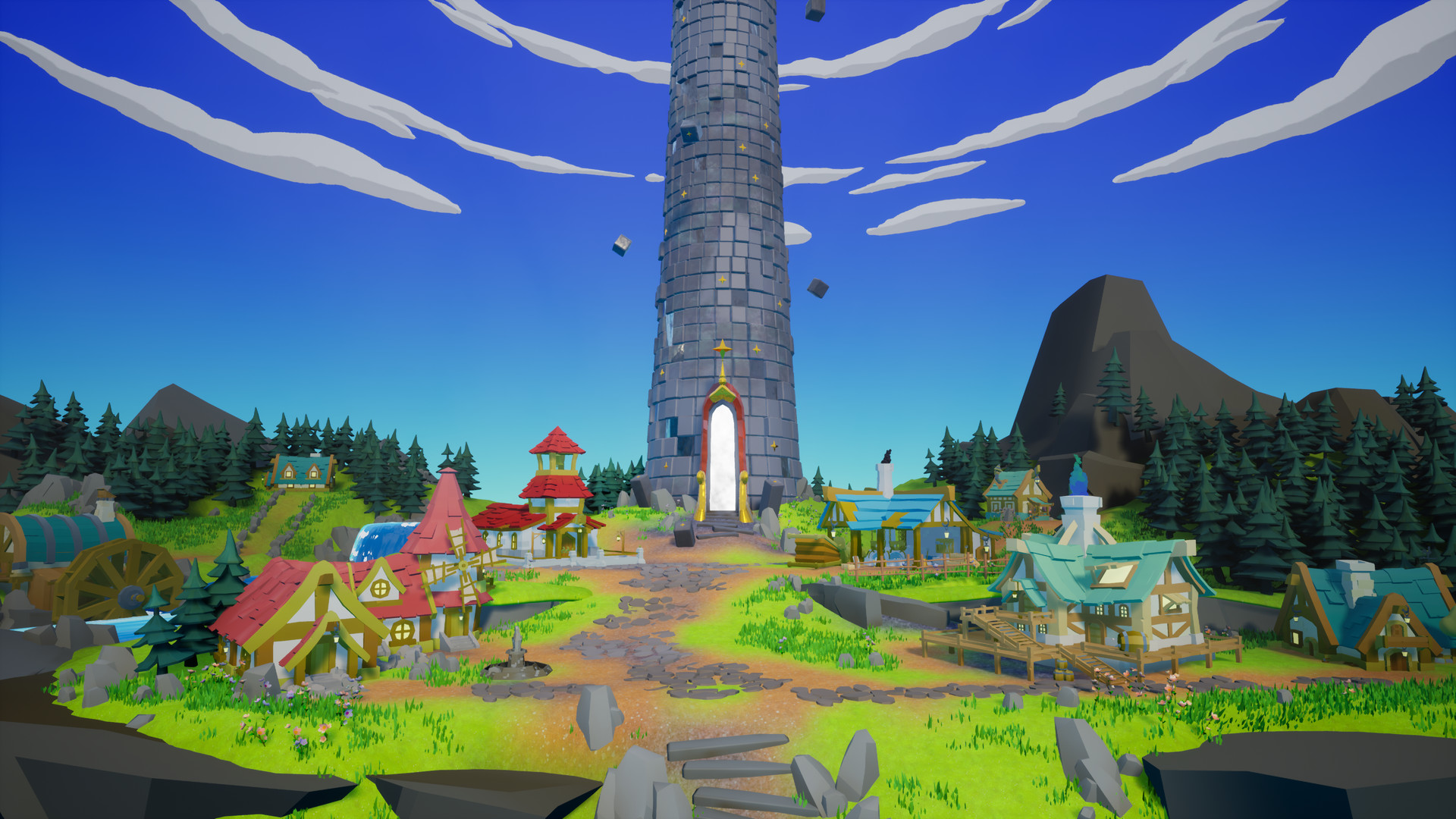
Guild of Ascension — is a tactical role-playing game with rogue-lite elements that combines turn-based battles with a real-time combo system. Create weapons, learn skills, make friends with creatures, meet bizarre creatures and fight giant bosses in their ascent to the Tower. Combo real-time action system. The tower gives you a few seconds to act freely during your turn, making sure you use them wisely as you study and refine your weapon combinations and special attacks. One player, two characters. If your group wants to succeed in the Tower, it must plan and act in complete harmony, as if they share the same opinion.The tower will reward you after each battle, leaving money and materials for the guild. But do not forget to ask for privileges that will help you during the next tests, as to climb the Tower is not an easy task. As soon as you return from your last trip to the Tower, don’t forget to ask the guild to make you new equipment. You will need all the help you can get if you are hoping to climb to the top. Once you find the floors of the Watchtower, do not be afraid of their huge size and use what you have learned to overcome difficulties.
System Requirements
MINIMUM:
Requires a 64-bit processor and operating system
OS: Win7
Memory: 2 GB RAM
Graphics: Gtx 750 or above
DirectX: Version 9.0
Storage: 10 GB available space
RECOMMENDED:
Requires a 64-bit processor and operating system
OS: win10
Memory: 4 GB RAM
Graphics: Gtx 750 or above
DirectX: Version 9.0
Storage: 20 GB available space
Requires a 64-bit processor and operating system
OS: Win7
Memory: 2 GB RAM
Graphics: Gtx 750 or above
DirectX: Version 9.0
Storage: 10 GB available space
RECOMMENDED:
Requires a 64-bit processor and operating system
OS: win10
Memory: 4 GB RAM
Graphics: Gtx 750 or above
DirectX: Version 9.0
Storage: 20 GB available space
Screenshots

Gameplay Trailer
How to Install
- Download the Full game Guild.of.Ascension-PLAZA through torrent.
- Mount the Full ISO-image game in the «UltraISO».
- Install the game on you PC, wait for 100% installation.
- Download and install Update v1.0.3, in game folder.
- Copy all files of the folder «PLAZA» in game folder.
- Lock the game folder in the Windows firewall.
- Play!
Download update only: Guild.of.Ascension.Update.v1.0.3-PLAZA [ 53.2 MB ]
Download Guild of Ascension - PLAZA + Update v1.0.3
SIZE: 1.29 GB | Downloads: —
How to get your file — 3 quick steps
VPN detected. Our download does not accept VPN connections. Please disable your VPN to continue.
Re-check
1
Click download
Use any button below
2
Install Opera
On the page that opens
Switch to the tab that just opened — Opera installer is already there. After install, open this page in Opera and click Check install.
Opera not detected. Make sure it's installed and open this page in Opera browser, then click Check install again.
Opera is a free, official browser by Opera Software AS — safe to install. [ Opera Install Guide ]
Alternative Mirrors
Searching mirrors…



Comments 0