Monstronomy Build 14140488 (TENOKE RELEASE)

- TENOKE
- Build 14140488
- FREE DOWNLOAD
- TORRENT
Table of Contents
About The Game
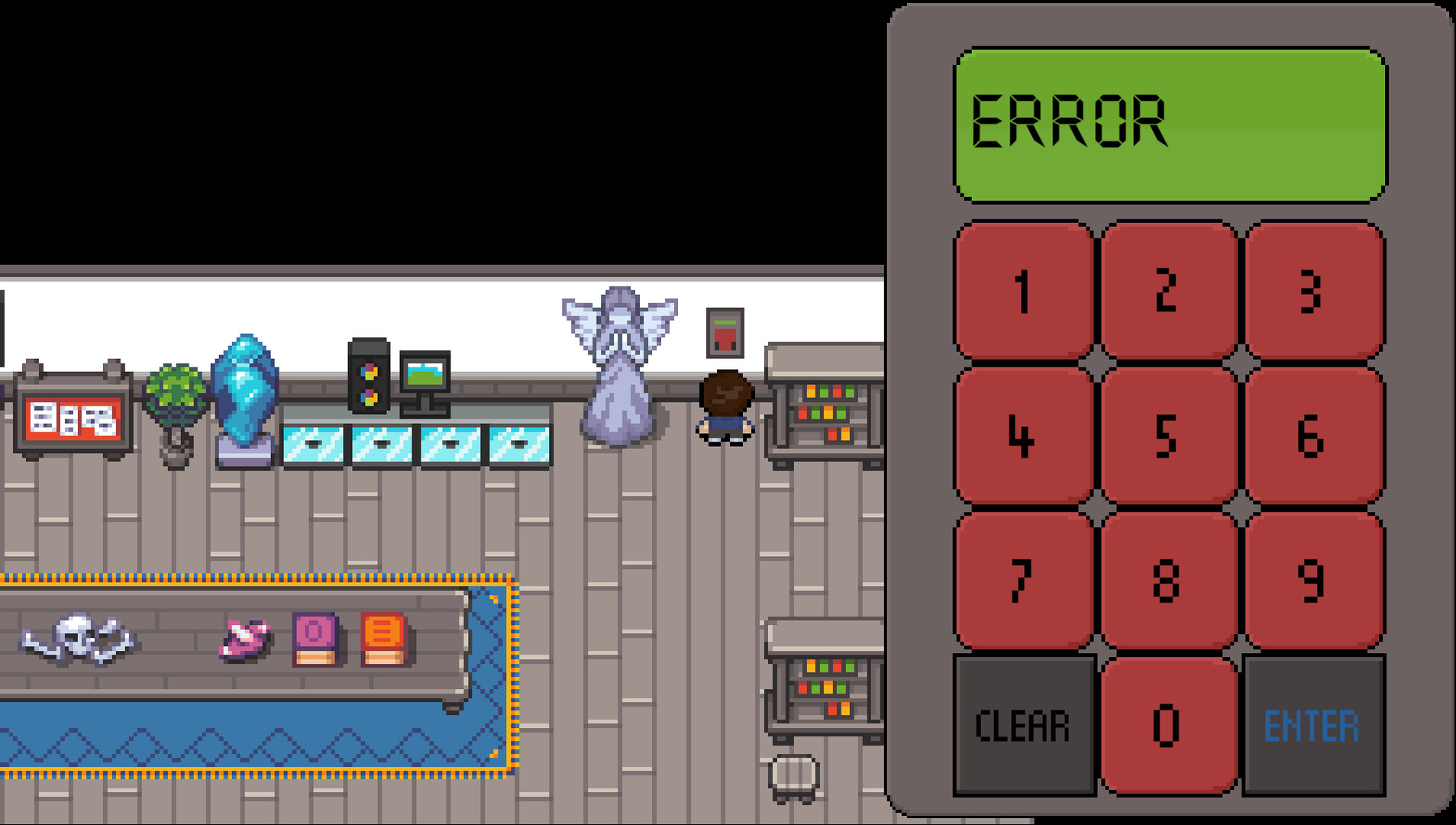
Monstronomy is a game that invites you to become part of an epic journey in search of adventure and discovery. You will choose your hero and go into dangerous lands known and unknown, where every monster is a challenge to your skill and intelligence experience. In Monstronomy, there are many tasks to complete, from exploring mysterious ruins to fighting huge and terrifying monsters. You will take part in exciting battles, develop your hero and collect weapons and artifacts to become a true master in the fight against evil. The graphics of Monstronomy amaze with their beauty and detail, and the musical accompaniment complements the atmosphere of adventure and discovery. Every corner of this fantastic world offers new experiences and challenges for players.
System Requirements
MINIMUM:
Requires a 64-bit processor and operating system
OS: Windows 7 or newer
Processor: 2.5Ghz or better
Memory: 2 GB RAM
Graphics: Nvidia GeForce GTX 750
Storage: 2 GB available space
RECOMMENDED:
Requires a 64-bit processor and operating system
OS: Windows 7 or newer
Processor: 2.5Ghz or better
Memory: 8 GB RAM
Graphics: Nvidia GeForce GTX 950
Storage: 2 GB available space
Screenshots


Gameplay Trailer
How to Install
- Download the Full game Monstronomy-TENOKE through torrent.
- Mount the Full ISO-image game in the «UltraISO».
- Install the game on you PC, wait for 100% installation.
- Copy all files of the folder «CRACK» in game folder.
- Lock the game folder in the Windows firewall.
- Play!




Comments 0