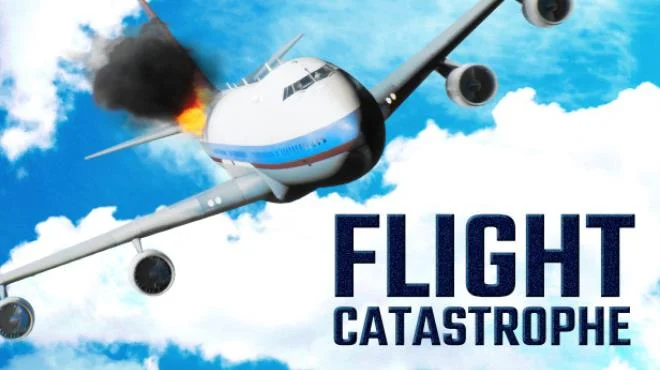
Flight Catastrophe Build 17936107 (TENOKE Release)
- TENOKE
- Build 17936107
- FREE DOWNLOAD
- TORRENT
Table of Contents
About The Game
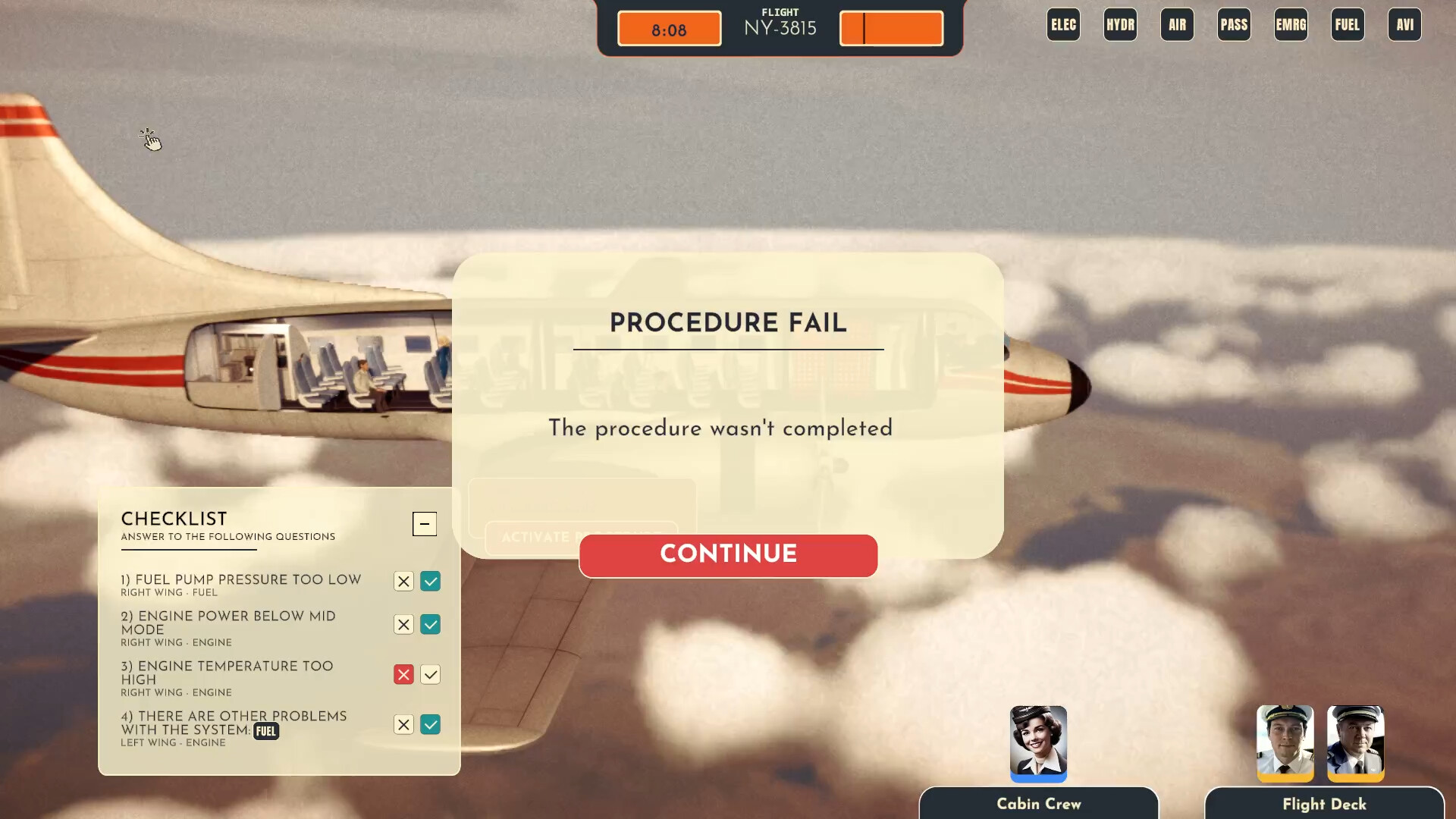
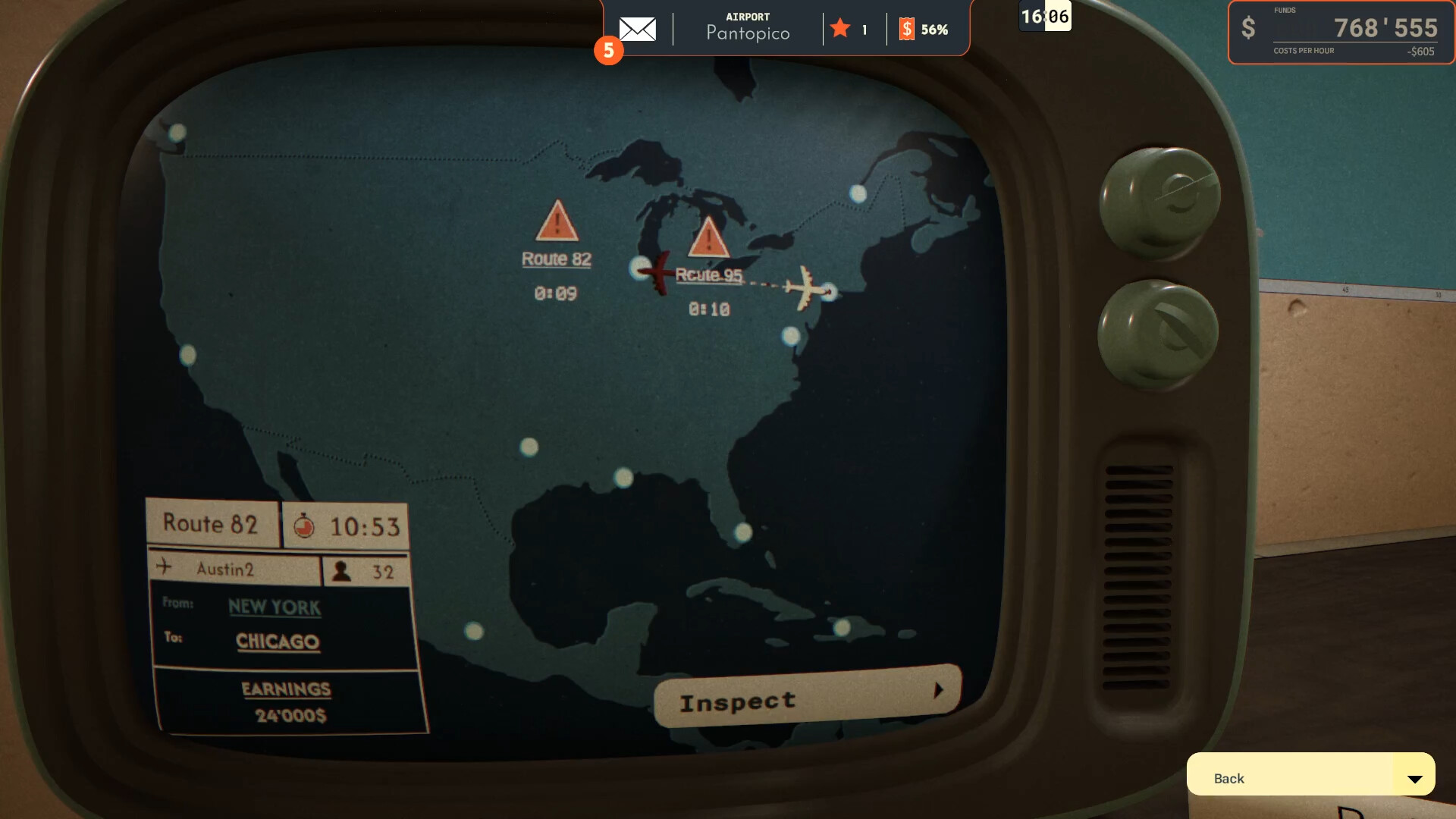
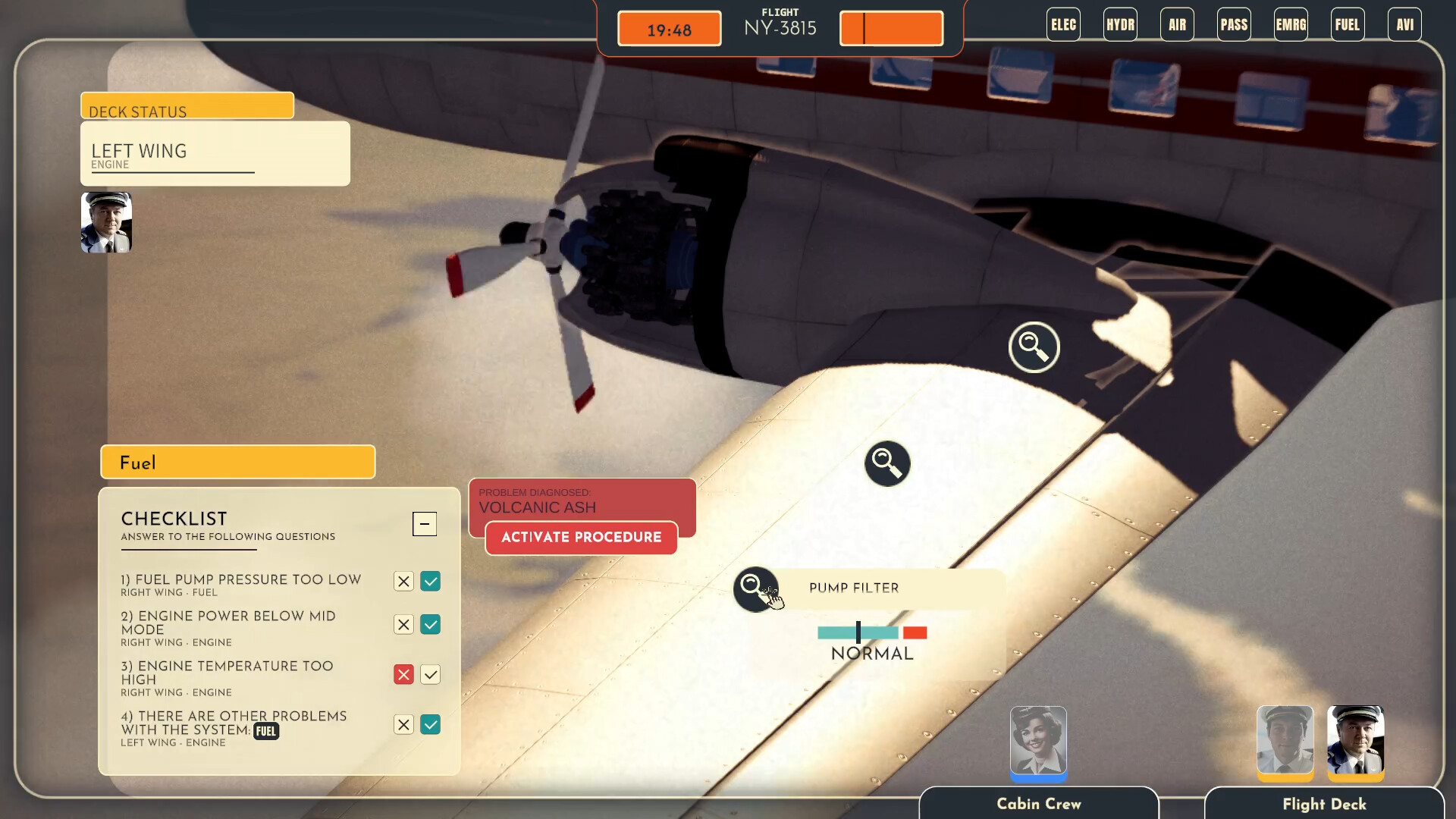
Flight Catastrophe is a strategy action simulation game developed by Trigger Labs that puts you in the role of an airline dispatcher during an emergency. When a disaster occurs mid-flight, you must make split-second decisions to save passengers and crew from threats such as fires and engine failures. The game requires you to know every part of the aircraft inside and out, as danger can arise anywhere on the plane. In addition to crisis management, you will develop your business skills as you manage and grow your own airline. Flight Catastrophe combines intense emergency response gameplay with strategic airline management elements to create a tense yet rewarding game where every second counts.
NOTE. Uploaded version: 4 April 2025 [Build 17936107]. This is Full Release and latest version of game. The game is already Packaged in ISO File and ready to run the game after install, read the instruction below.
System Requirements
Minimum:
OS: Windows 10
Processor: Core i3 3.1 GHz or AMD Phenom II X3 2.8 GHz
Memory: 6 GB RAM
Graphics: GeForce GTX 560 1GB (720p Low), GeForce GTX 750 Ti 2GB (1080p Low) or AMD equivalents
DirectX: Version 10
Storage: 5 GB available space
Recommended:
OS: Windows 10
Processor: Intel Quad Core i7 3770K or AMD Ryzen 5 1600X
Memory: 8 GB RAM
Graphics: GeForce GTX 1060 6 GB (1080p High), GeForce GTX 1070 8GB (1080p Extreme) or AMD equivalents
DirectX: Version 10
Storage: 5 MB available space
Screenshots
Gameplay Trailer
How to Install
- Download the Full game Flight.Catastrophe-TENOKE through torrent.
- Mount the Full ISO-image game in the «UltraISO».
- Install the game on you PC, wait for 100% installation.
- Copy all files of the folder «RUNE» in game folder.
- Lock the game folder in the Windows firewall.
- Play!




Comments 0