The Midnight Walk (TENOKE): Update v20250613
- TENOKE
- Update v20250613
- FREE DOWNLOAD
- TORRENT
Table of Contents
About The Game
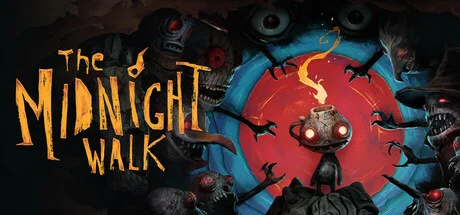
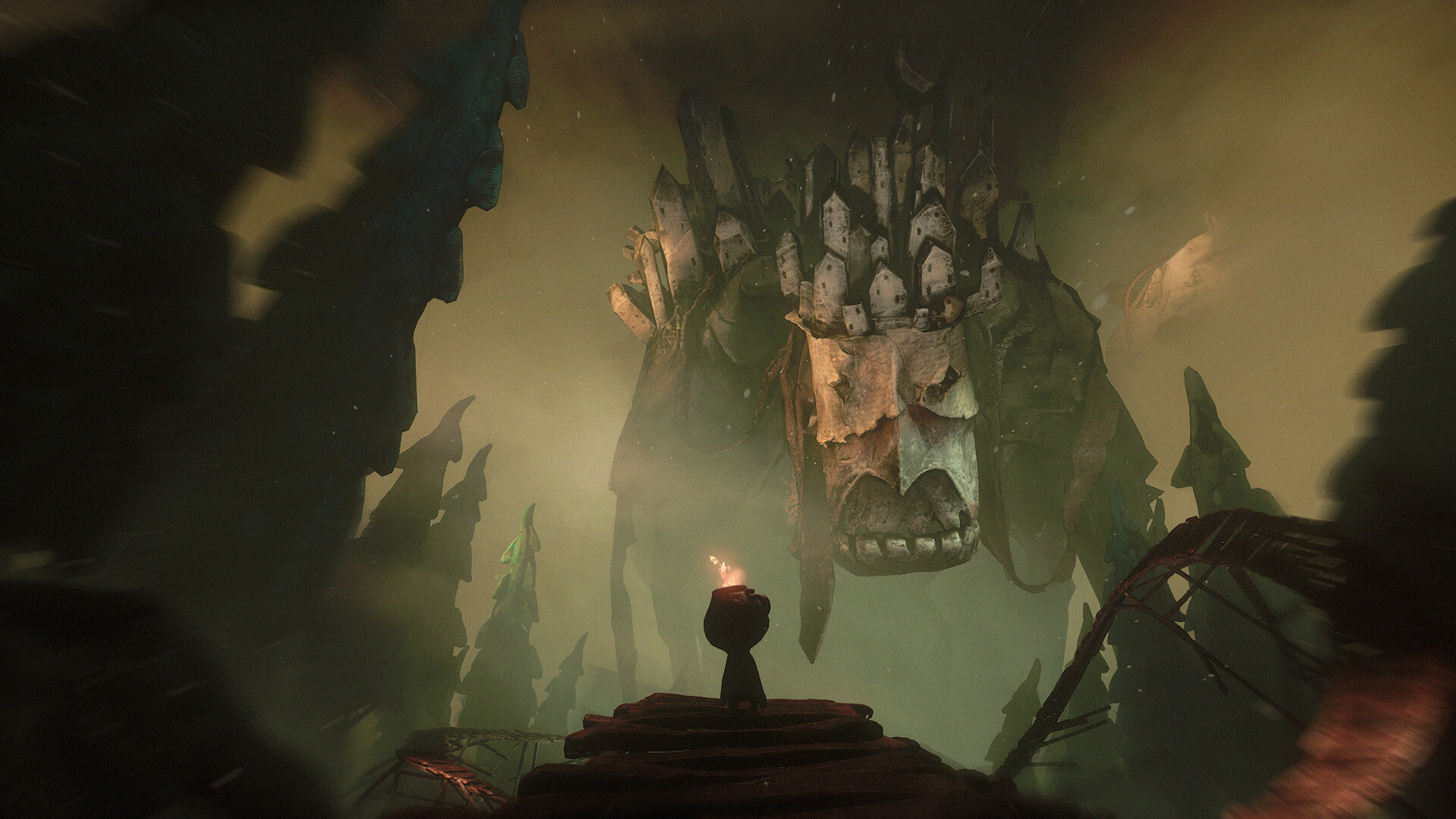
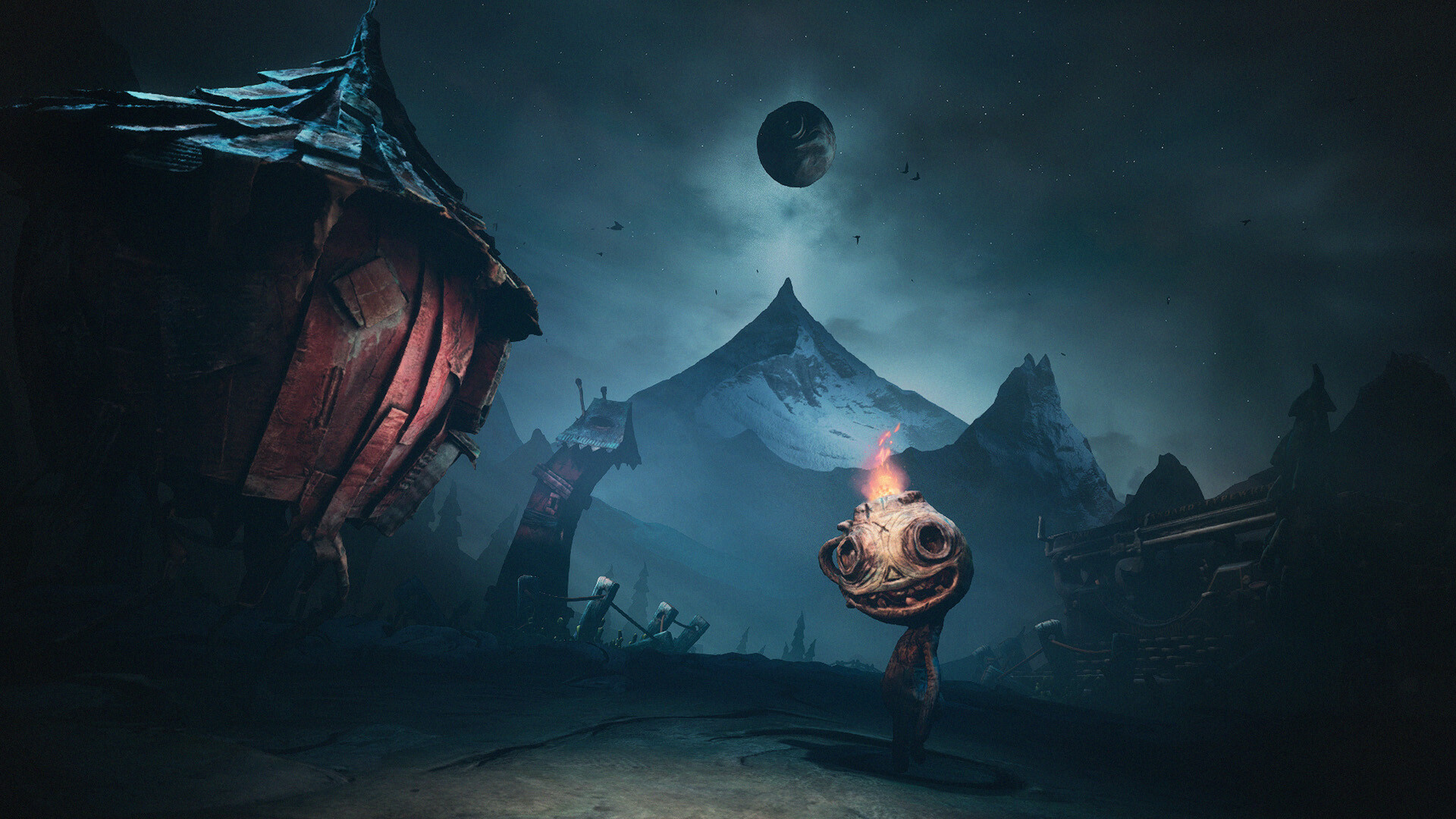
The Midnight Walk is a dark fantasy adventure game developed by MoonHood that immerses players in a world painstakingly handcrafted from real clay and animated in stop motion. You play as Scorched, accompanied by a lantern creature called Potboy, whose flame lights your way through the darkness. Gameplay revolves around outsmarting monsters, using Potboy’s flame as a distraction while you hide and avoid dangers lurking in the shadows. As you travel along a winding path, you’ll experience five different stories of fire and darkness, encountering quirky characters and stunning landmarks along the way. The game’s unique visual style showcases intricate environments sculpted from clay and creatures that have been scanned in 3D to create an unsettling yet beautiful atmosphere. Compatible with both standard screens and VR headsets, The Midnight Walk combines adventure and indie elements in a unique, tactile dark fantasy world.
NOTE. Uploaded version: 9 May 2025 [Build 18383361] + Update v20250613. This is Full Release and latest version of game. The game is already Packaged in ISO File and ready to run the game after install, read the instruction below.
System Requirements
Minimum:
OS: Windows 10
Processor: Intel i7 6700k
Memory: 16 GB RAM
Graphics: NVIDIA GeForce GTX 1070
Storage: 18 GB available space
VR Support: Index, Quest via link, Rift S, Rift
Additional Notes: These system requirements are for the regular flatscreen version of the game.
Screenshots

Gameplay Trailer
How to Install
- Download the Full game The.Midnight.Walk-TENOKE through torrent.
- Mount the Full ISO-image game in the «UltraISO».
- Install the game on you PC, wait for 100% installation.
- Copy all files of the folder «CRACK» in game folder.
- Download and install Update v20250613, in game folder. (how to Update the game)
- Lock the game folder in the Windows firewall.
- Play!
Download update only: The.Midnight.Walk.Update.v20250613-TENOKE [ 303 MB ]
- Extract.
- Run Update\PATCH.exe and install the update.
- Copy crack to install dir.
- Play!
Download The Midnight Walk (TENOKE): Update v20250613
Alternative Mirrors
Game Update History
- The Midnight Walk Build 18383361 → Update v20250613 [ 22.06.2025 ]
- The Midnight Walk → Build 18383361 [ 09.05.2025 ]


Comments 1