N++ / NPLUSPLUS Ultimate Edition v2022.06.27 - SKIDROW

- SKIDROW
- Ultimate Edition v2022.06.27
- FREE DOWNLOAD
- TORRENT
Game updated on 27-06-2022, 07:38. Current version / latest version: Ultimate Edition v2022.06.27.
Table of Contents
About The Game
N++ / NPLUSPLUS — is a dynamic indie platformer, each level of which is built using the most simple graphics, using many shades to create a memorable picture. The gamer is provided with a side view of a two-dimensional space, through which it is necessary to move a small man, shown schematically. The project uses the player’s skills to correctly and quickly assess the environment in order to make the most correct decisions. To perform accurate and difficult jumps, a gamer will need skill and experience in this genre of video game entertainment.There is an opportunity to control the gameplay using a controller, as well as to pass prepared tests in cooperative mode using one monitor screen. Among the multiplayer pastime modes, there is a chance to take part in battles against friends in a noisy company on specially prepared maps, which are absent in the main tests. The project supports the simultaneous play of 4 people. The statistics of each of them fall into the leaderboard, which marks the best results of gamers from around the globe.
The main feature of the retro-style indie platformer is a huge number of levels of varying difficulty 4340 stages. All of them are handmade and have a different landscape. In addition, the game client has a built-in map editor that allows you to create unique things and share them with the community, submitting the finished result for evaluation. There is a gameplay under a selected soundtrack, which includes 63 compositions from electronic music performers of varying degrees of popularity.
System Requirements
MINIMUM:
OS: 32-bit Windows Vista
Processor: Core i3 / AMD A6 2.4Ghz
Memory: 2 GB RAM
Graphics: 512MB VRAM NVIDIA GeForce 8xxx series / ATI Radeon HD 3xxx series. OpenGL 3.3 support
Storage: 650 MB available space
Additional Notes: Integrated Intel graphics are not supported. Intel HD 4000-series or better should work, but may have issues. The game may run on Windows XP, but we have not been able to test it.
RECOMMENDED:
OS: 64-bit Windows 7
Processor: Core i5 / AMD FX 2.4Ghz
Memory: 4 GB RAM
Graphics: 1024MB VRAM NVIDIA GeForce GTX 4xx series / ATI Radeon HD 5xxx series. OpenGL 3.3 support
Storage: 650 MB available space
Additional Notes: Integrated Intel graphics are not supported. Intel HD 4000-series or better should work, but may have issues. The game may run on Windows XP, but we have not been able to test it.
OS: 32-bit Windows Vista
Processor: Core i3 / AMD A6 2.4Ghz
Memory: 2 GB RAM
Graphics: 512MB VRAM NVIDIA GeForce 8xxx series / ATI Radeon HD 3xxx series. OpenGL 3.3 support
Storage: 650 MB available space
Additional Notes: Integrated Intel graphics are not supported. Intel HD 4000-series or better should work, but may have issues. The game may run on Windows XP, but we have not been able to test it.
RECOMMENDED:
OS: 64-bit Windows 7
Processor: Core i5 / AMD FX 2.4Ghz
Memory: 4 GB RAM
Graphics: 1024MB VRAM NVIDIA GeForce GTX 4xx series / ATI Radeon HD 5xxx series. OpenGL 3.3 support
Storage: 650 MB available space
Additional Notes: Integrated Intel graphics are not supported. Intel HD 4000-series or better should work, but may have issues. The game may run on Windows XP, but we have not been able to test it.
Screenshots
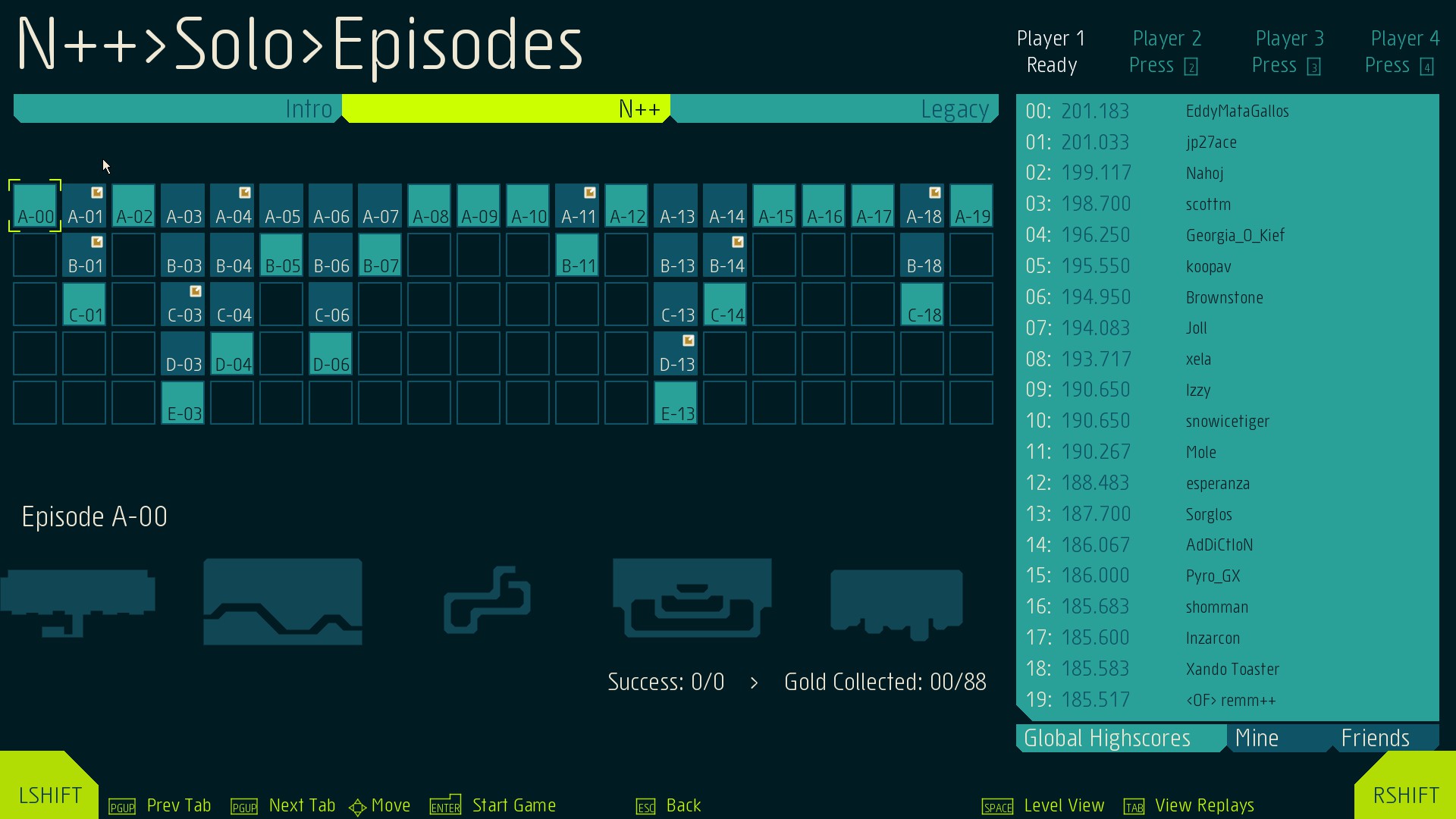
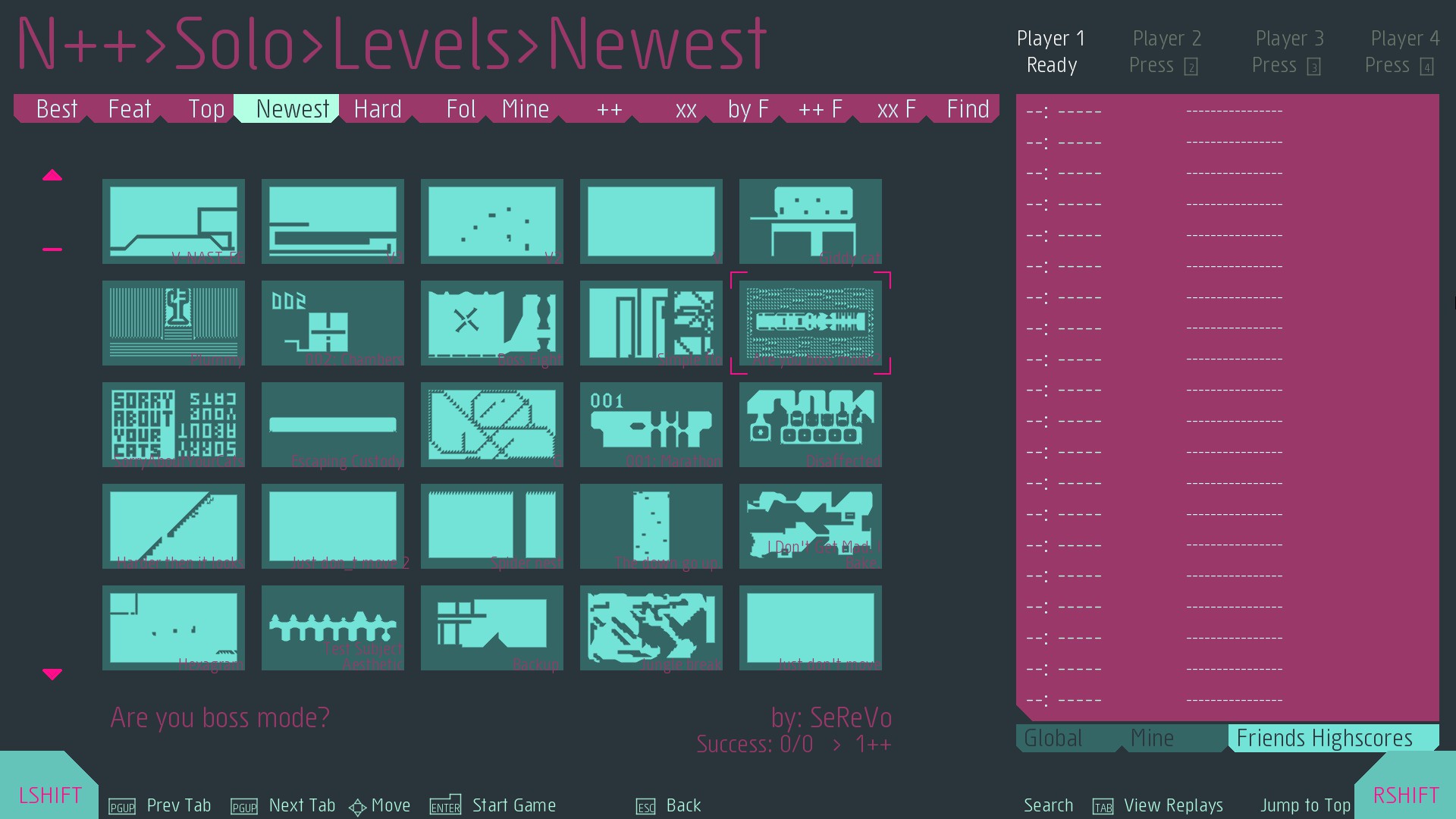
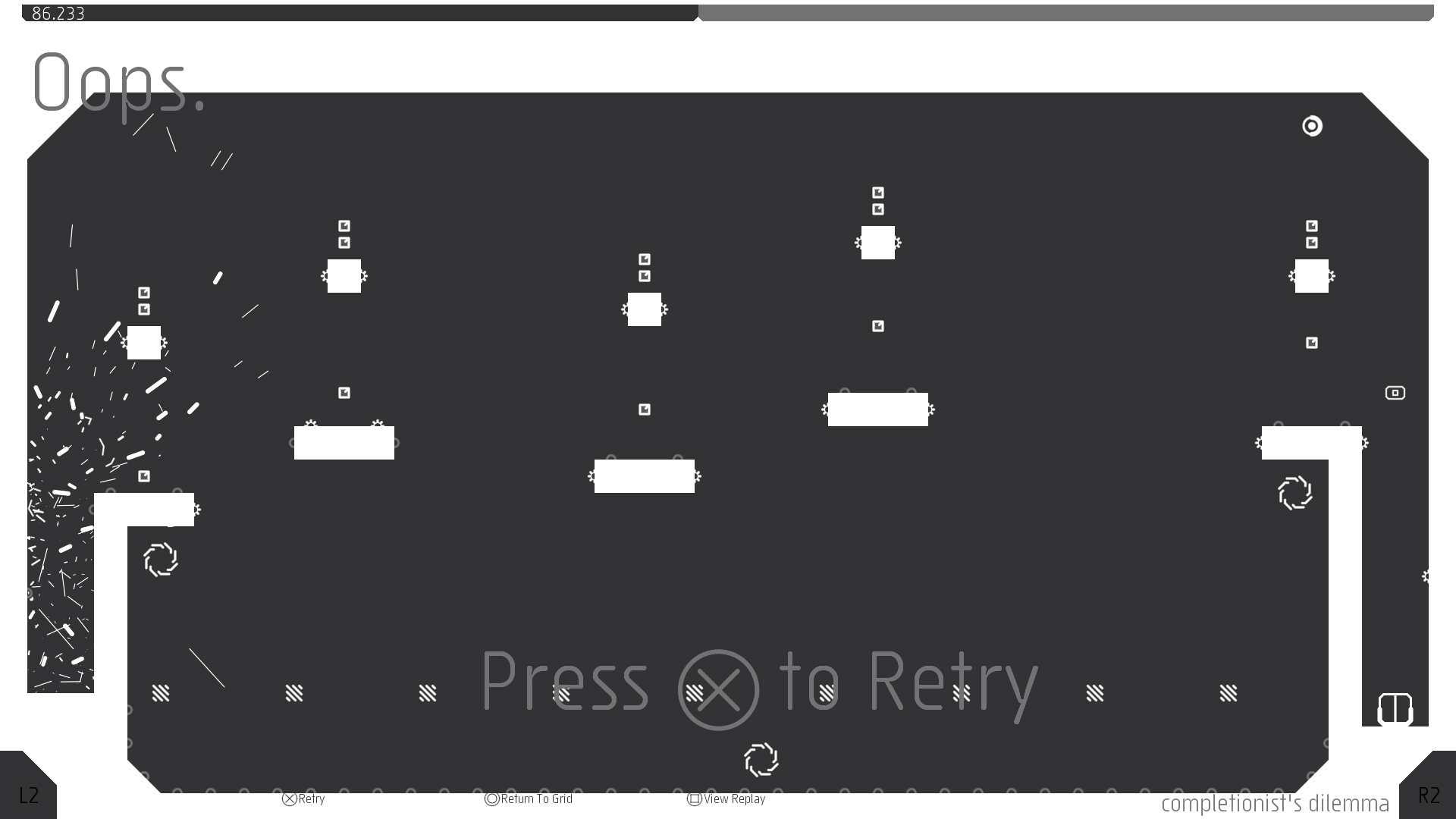
Gameplay Trailer
How to Install
- Download the Full game N.Plus.Plus.Ultimate.Edition-SKIDROW through torrent.
- Mount the Full ISO-image game in the «UltraISO».
- Install the game on you PC, wait for 100% installation.
- Copy all files of the folder «SKIDROW» in game folder.
- Lock the game folder in the Windows firewall.
- Play!
Download N++ / NPLUSPLUS Ultimate Edition v2022.06.27 - SKIDROW
SIZE: 558 MB | Downloads: —
How to get your file — 3 quick steps
VPN detected. Our download does not accept VPN connections. Please disable your VPN to continue.
Re-check
1
Click download
Use any button below
2
Install Opera
On the page that opens
Switch to the tab that just opened — Opera installer is already there. After install, open this page in Opera and click Check install.
Opera not detected. Make sure it's installed and open this page in Opera browser, then click Check install again.
Opera is a free, official browser by Opera Software AS — safe to install. [ Opera Install Guide ]
Alternative Mirrors
Searching mirrors…



Comments 0