Void Dementia Build 9112512 - DOGE

- DOGE
- Build 9112512 upd.13.07.2022
- FREE DOWNLOAD
- TORRENT
Table of Contents
About The Game
Void Dementia — is characterized by fast action and hardcore production. This is an action game that will enhance the user’s sense of challenge and immersion in the game through story and voice acting elements. The God of the world is fallen and divided. As the unknown division and chaos of the world continues, the main character, Cecile, wakes up. Having lost all her memories, she faces the approaching Void. We don’t know why she’s here or what she was doing here until her memories return. You have to find her memory and find out who she is and what this place is. She is a weapon master with a high level of proficiency in three types of weapons katana, dual blade, and greatsword. She is the best swordsman who can freely change weapons against enemies.
System Requirements
Requires a 64-bit processor and operating system
OS: Windows 7 (SP1+)/8.1/10 64bit
Processor: Intel i3 +
Memory: 4 GB RAM
Graphics: NVIDIA GeForce GTX 960
Storage: 7 GB available space
RECOMMENDED:
Requires a 64-bit processor and operating system
OS: Windows 10 64bit
Processor: Intel i5-4650 / AMD FX-6300
Memory: 8 GB RAM
Graphics: NVIDIA GeForce GTX 1070
Storage: 7 GB available space
Screenshots
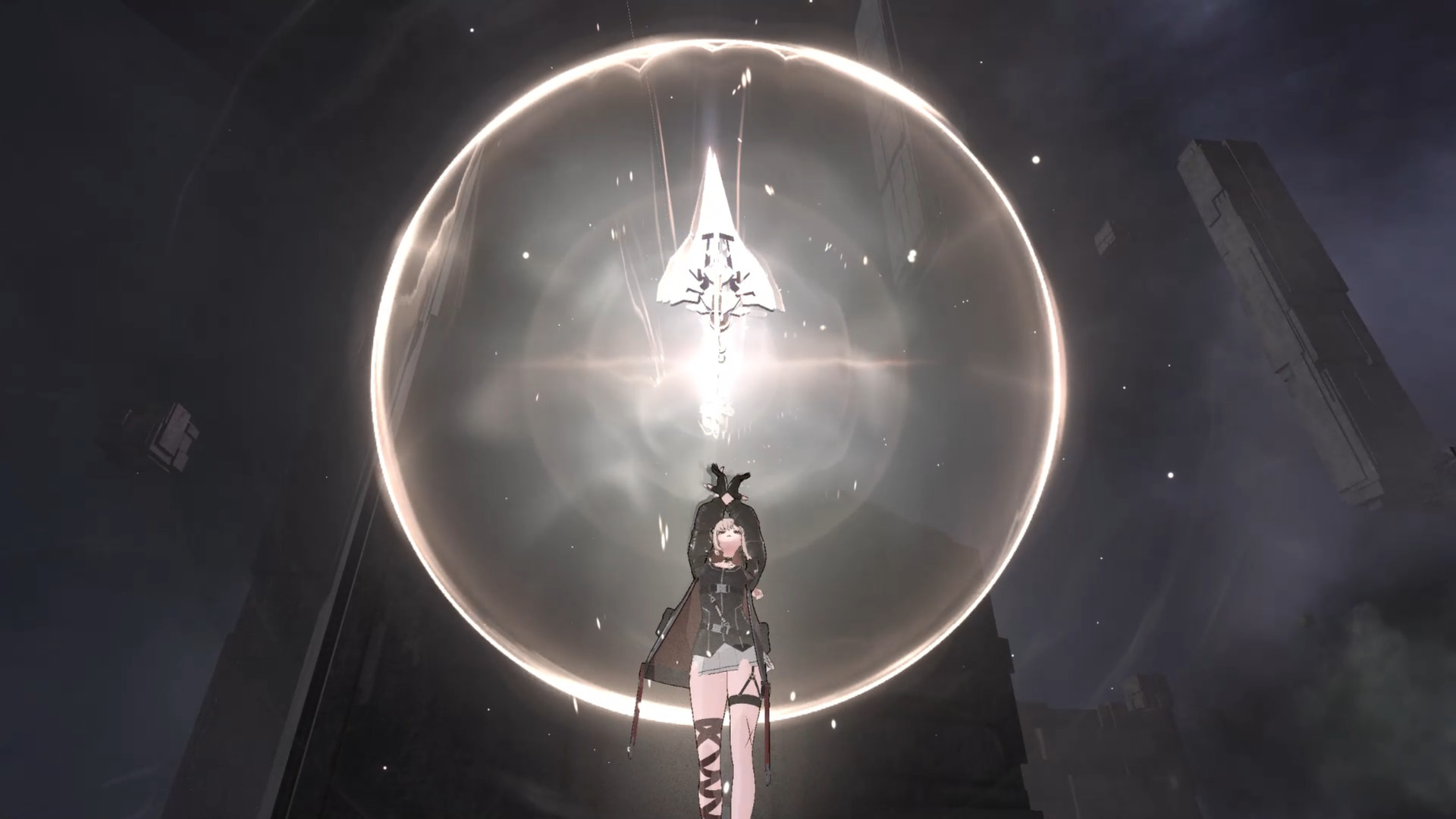
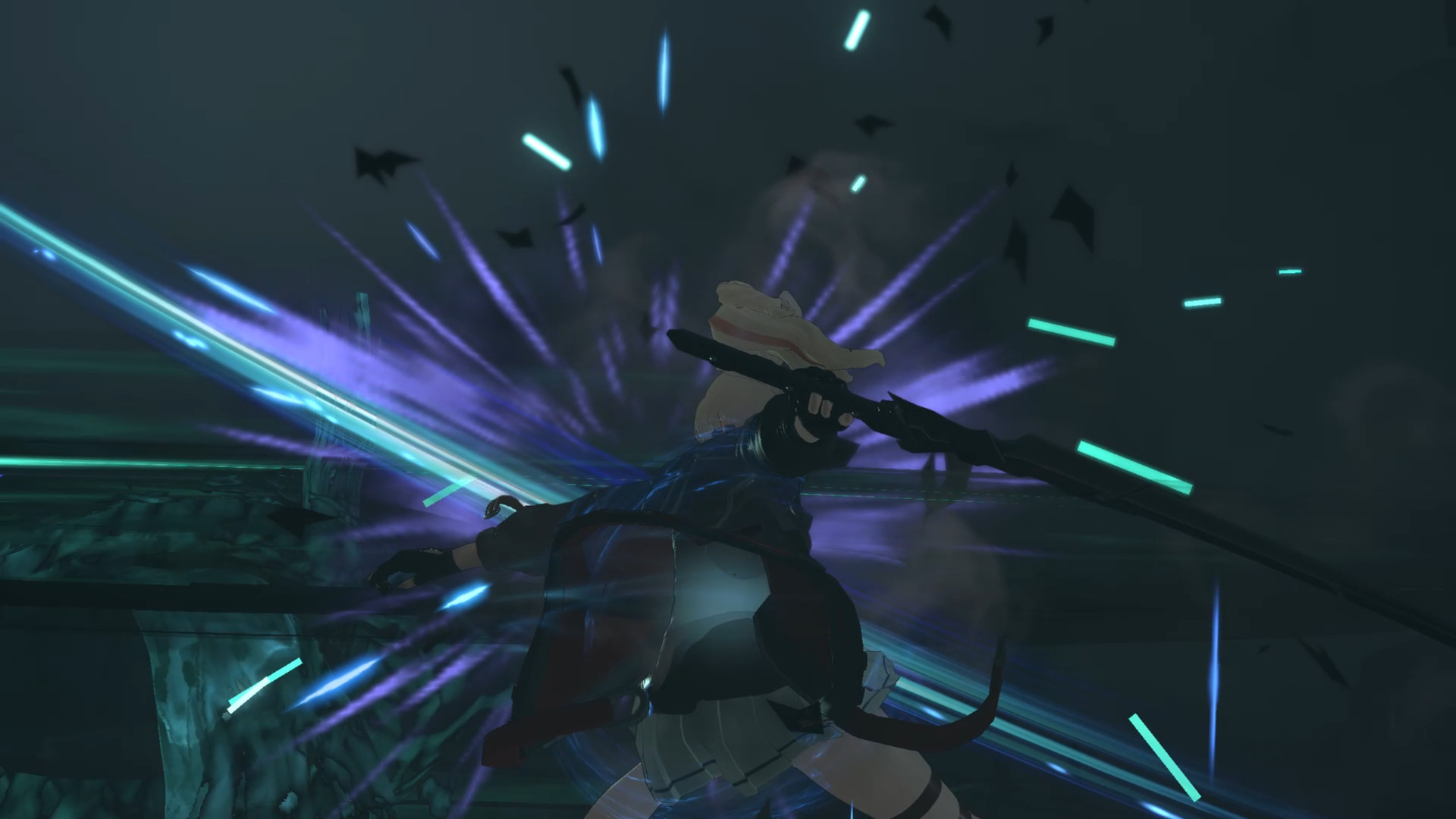
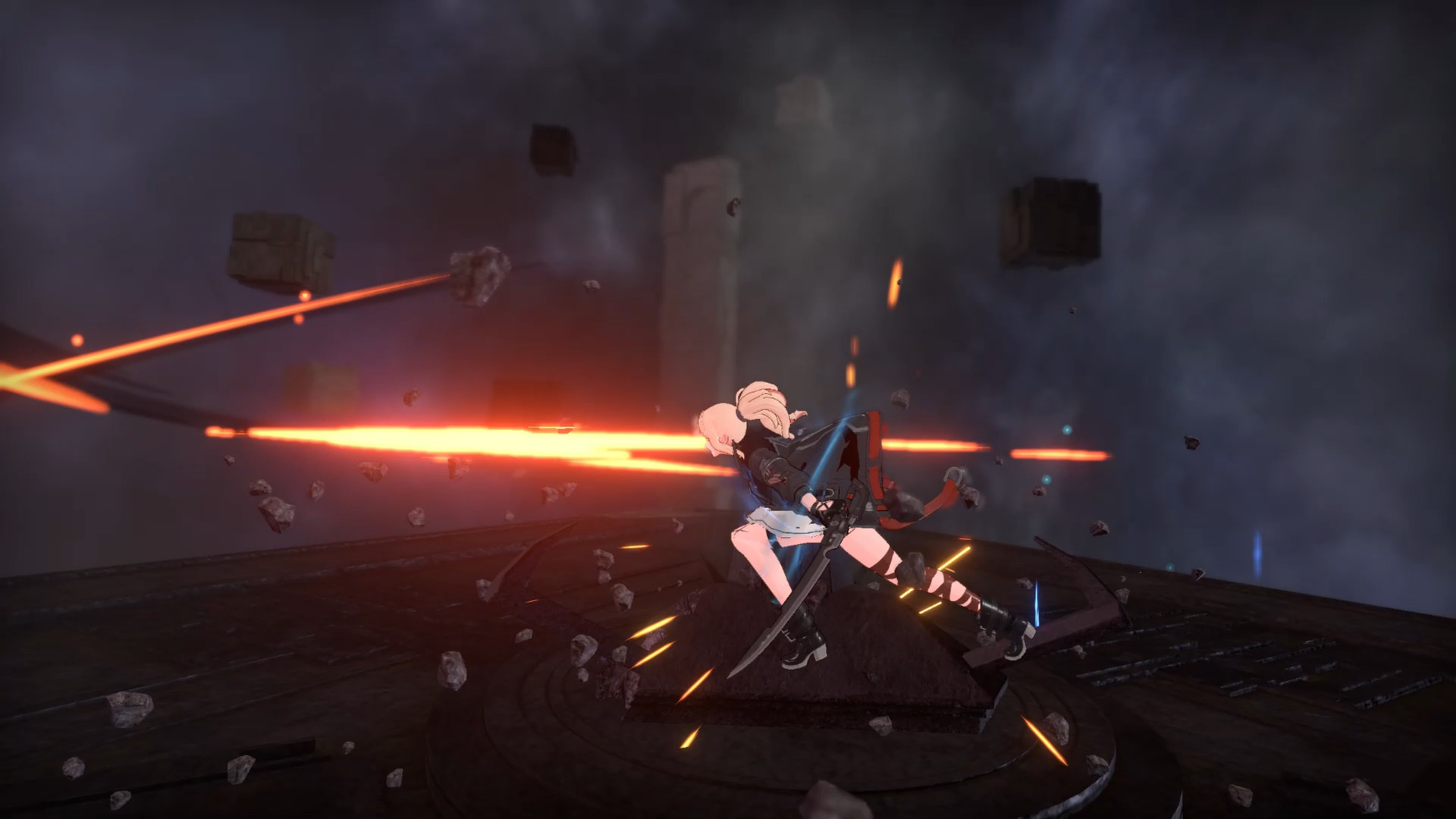
Gameplay Trailer
How to Install
- Download the Full game Void.Dementia-DOGE through torrent.
- Mount the Full ISO-image game in the «UltraISO».
- Install the game on you PC, wait for 100% installation.
- Copy all files of the folder «DOGE» in game folder.
- Lock the game folder in the Windows firewall.
- Play!



Comments 0