Search Build 9432568 - Goldberg

- Goldberg
- Build 9432568
- FREE DOWNLOAD
- TORRENT
- DIRECT LINK
Table of Contents
About The Game
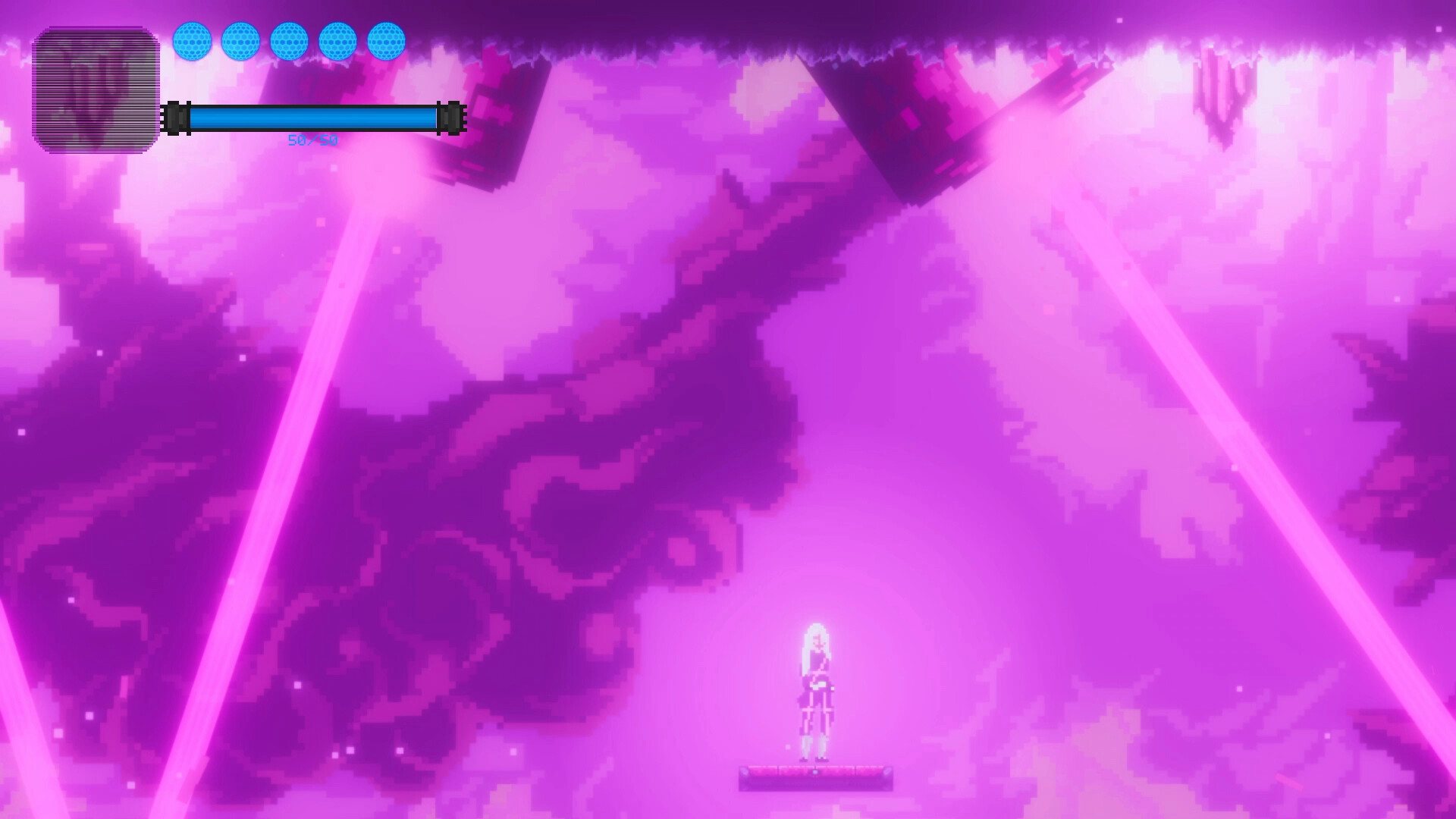
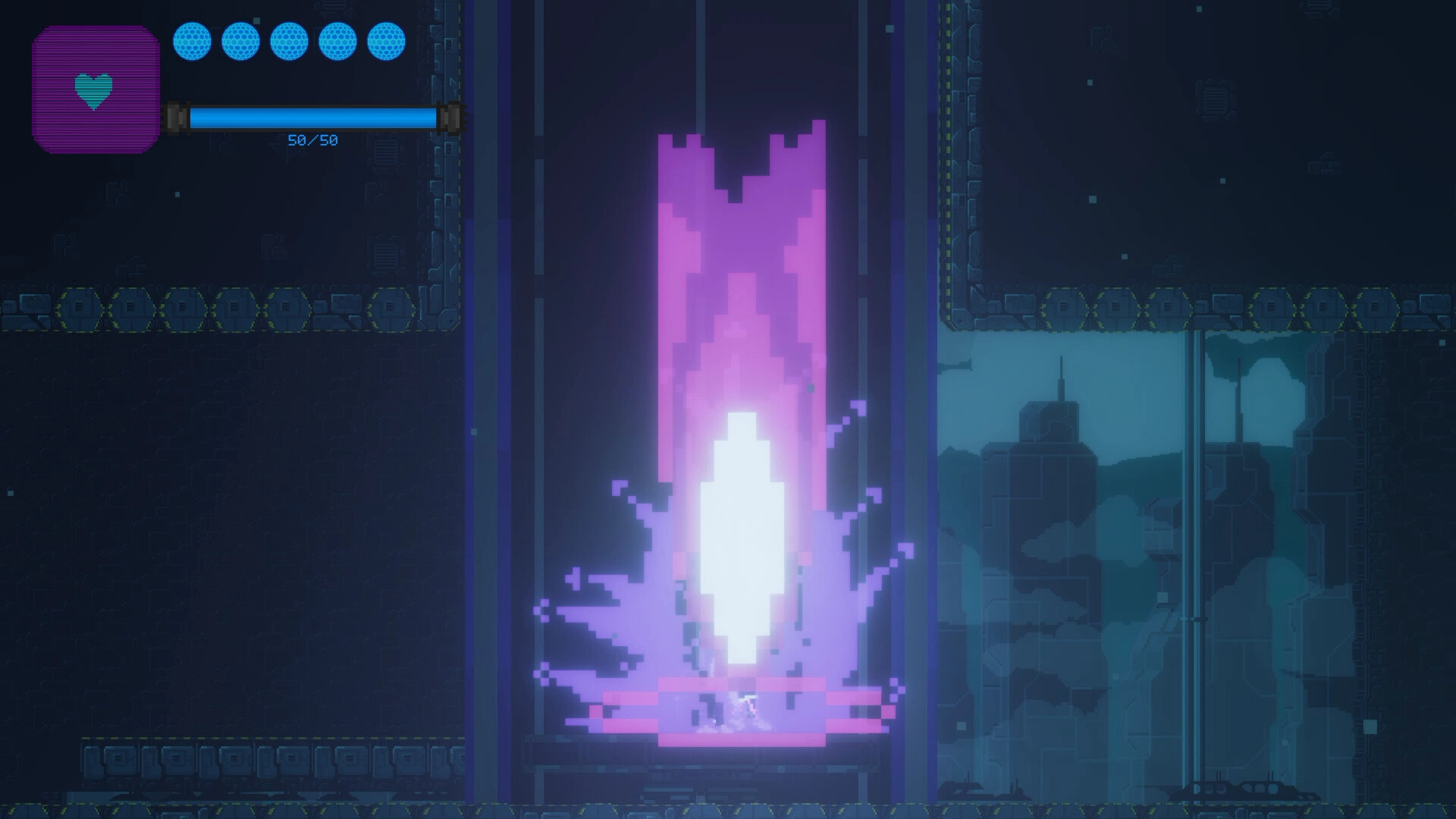
Search — is a 2D adventure game with a pixelated windshield. The background is set in the distant future with the development of mechanical networking and biotechnology. With the development of science and technology, human civilization has expanded unprecedentedly. However, it seems that at some point in time something unexpected happened that led to the destruction of humans. What is Neo looking for in this end of the world. Is there any hope to save the future that belongs to humanity. Gameplay By dodging and attacking the enemy in the game, we can explore the game scene, learn skills, and strengthen skills with the help of falling enemy items.
System Requirements
MINIMUM:
Requires a 64-bit processor and operating system
OS: Windows 7 or later
Processor: Intel® Pentium® 4 2.0 GHz equivalent or faster processor
Memory: 2 GB RAM
Graphics: 1024 x 768 pixels or higher desktop resolution
Storage: 4 GB available space
RECOMMENDED:
Requires a 64-bit processor and operating system
Screenshots

Gameplay Trailer
How to Install
- Download the game files through torrent.
- Unzip the game using WinRAR or 7zip.
- Start game «Search.exe», Play!
- The language changes in the menu.
Download Search Build 9432568 - Goldberg
Alternative Mirrors
Direct linkSearch-GoldBerg.zip
MEGA- Roadside Research Build 233475054.61 GB
- Tale of REN Searching for HEART droplets Build 23169691 (P2P)3.32 GB
- Scott Whiskers the Search for the Golden Cat v1.0.401.42 GB
- Research Story (TENOKE): Update v1.0.161.68 GB
- The Little Tomb The Maholova Club and the Search for a Dead Body (TENOKE) Build 198981896.23 GB
- Scott Whiskers in the Search for Mr Fumbleclaw v1.0 (TENOKE RELEASE)1.50 GB




Comments 0