gogh Focus with Your Avatar v3.1.0 + Update (TENOKE)
- TENOKE
- 3.1.0
- FREE DOWNLOAD
- TORRENT
- NEW GAME!
About The Game
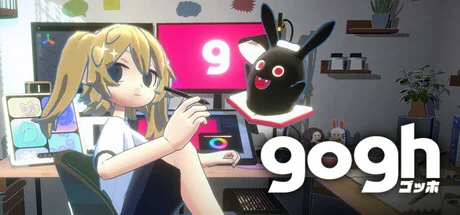
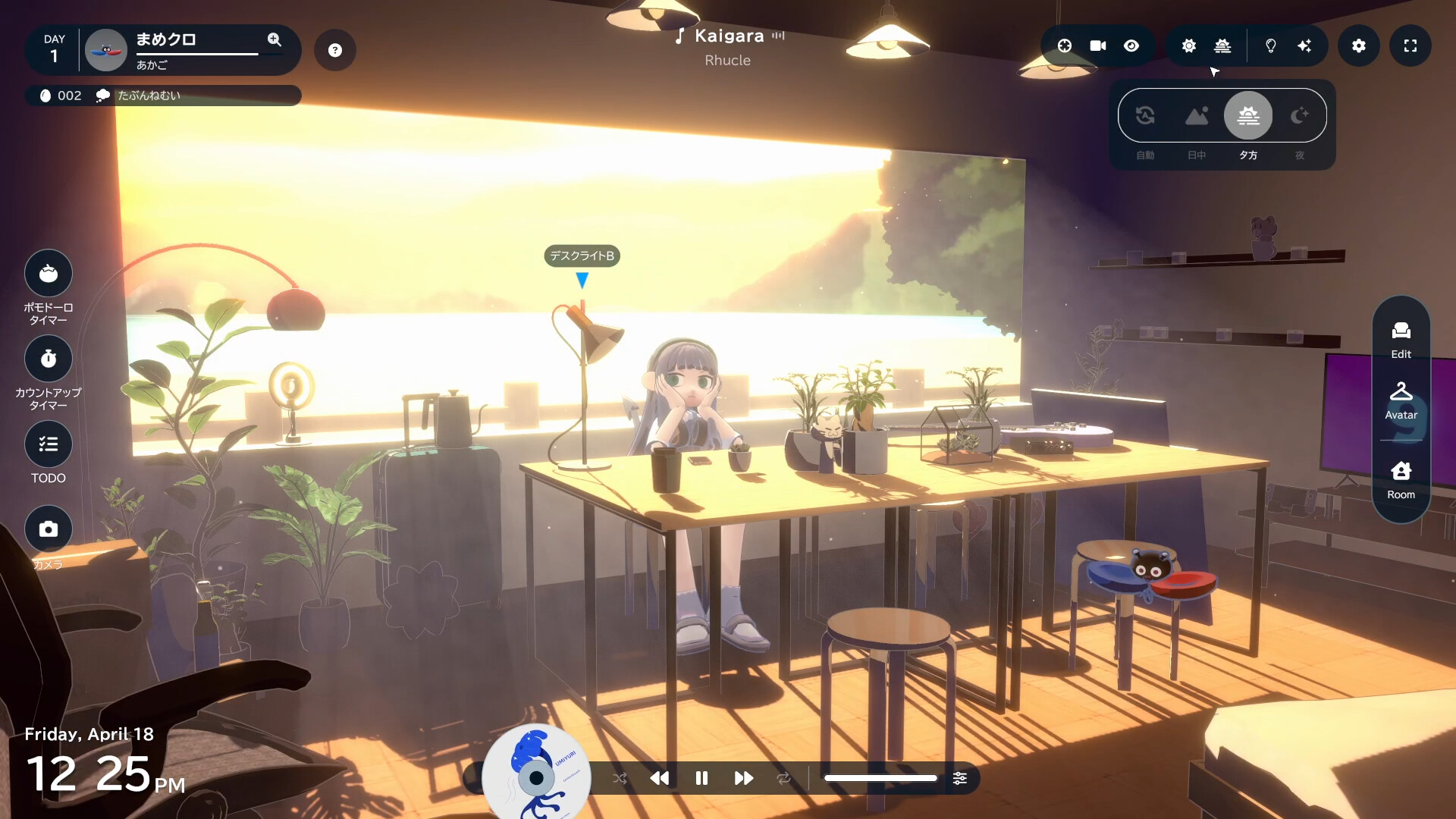
gogh Focus with Your Avatar combines focus tools and simulation game mechanics to create a character and design a location. Gamers interact with a virtual hero and a companion creature in a changeable room. This project includes time management tools in addition to customization options. The main goal is to help with work sessions by combining these elements of a simulation game.
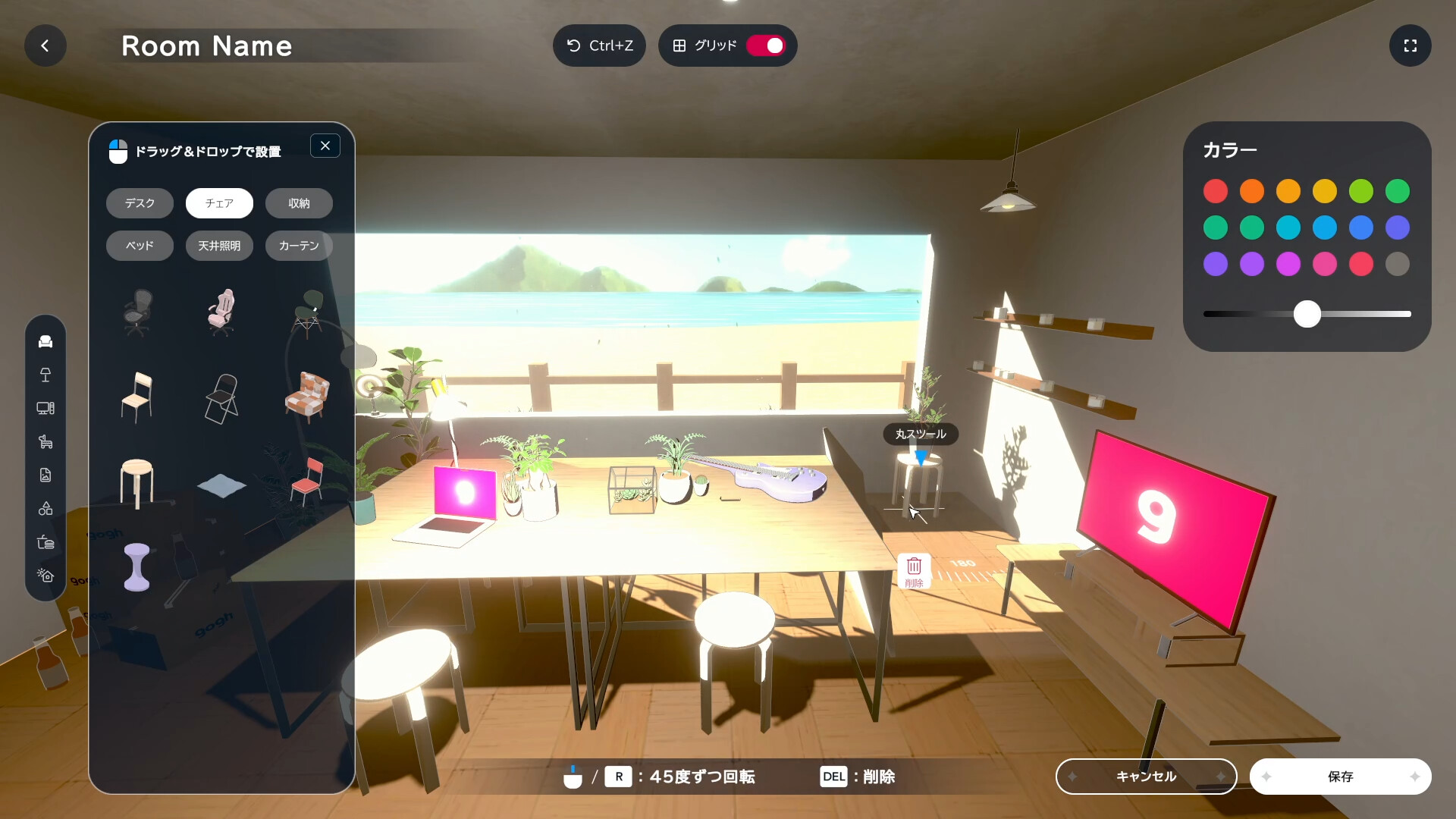
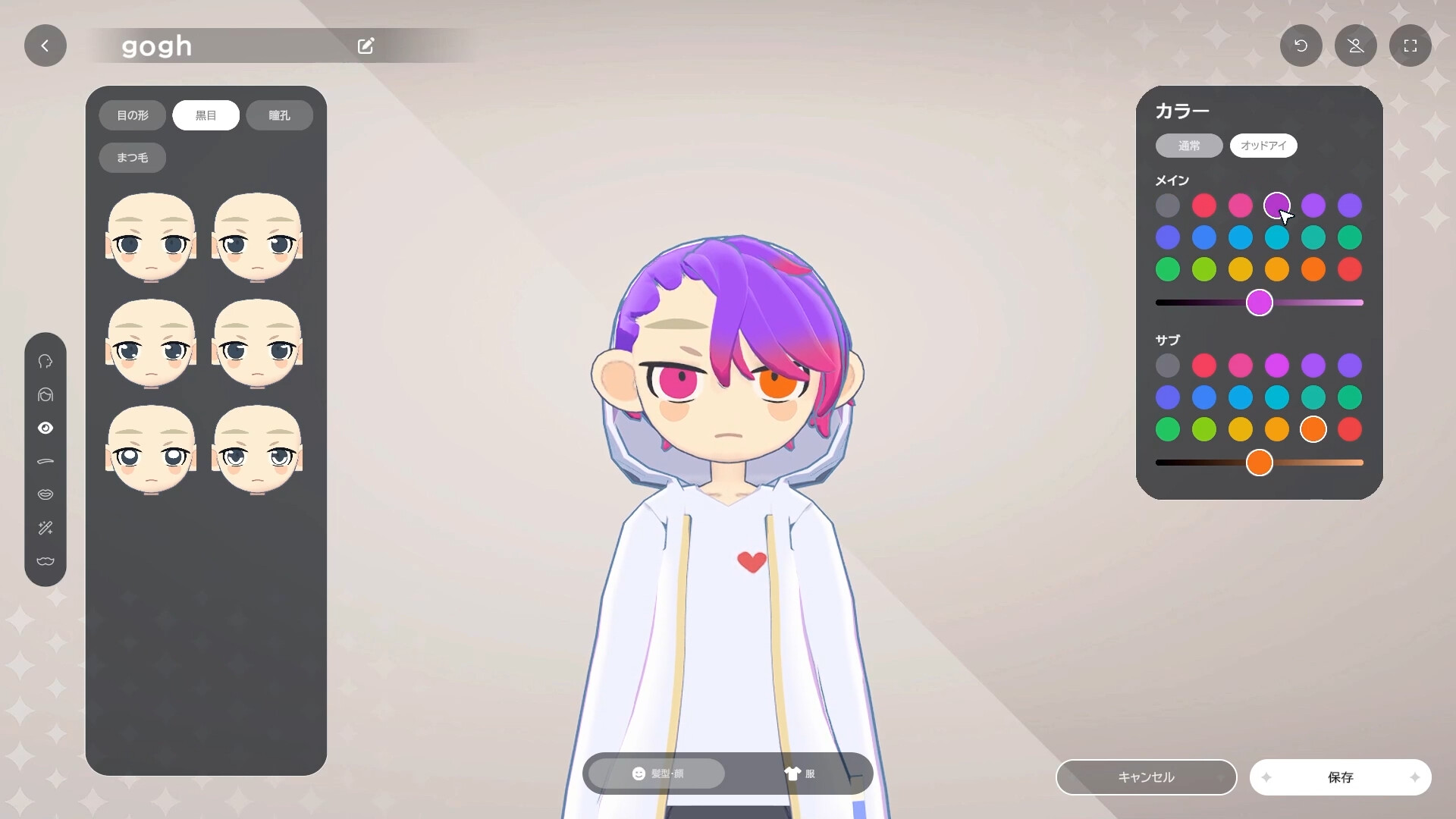
In gogh Focus with Your Avatar, a person arranges their own room, placing furniture, choosing decor and determining the palette. The mechanics allow you to add your own pictures or GIFs to screens and posters inside the decorated area. You can save different options for the decor to change the interior to suit your mood. There are also options for customizing the hero’s appearance, including selecting facial features, hairstyles and outfits in anime style; these characters can be placed in the room, and their movements are linked to the work and break cycles of the built-in timer.
For productivity, a to-do list and the Pomodoro technique are provided. When a person solves tasks and uses the counter, the assistant companion changes in appearance, gradually revealing new faces. To create the right atmosphere for work, the project has music selections with Lofi compositions from Japanolofi Records and adjustable background noises. The soundtrack of actions, such as typing or rustling pages, corresponds to the hero’s movements, complementing the sound picture during the session.
NOTE. Uploaded version: 28 June 2026 [v2.2.1] + Update v3.1.0. This is Full Release and latest version of game. The game is already Packaged in ISO File and ready to run the game after install, read the instruction below.
System Requirements
Minimum:
Requires a 64-bit processor and operating system
OS: Windows 10 / 11
Processor: Intel Core i5-1235U
Memory: 8 GB RAM
Graphics: Intel Iris Xe Graphics
DirectX: Version 11
Storage: 3 GB available space
Recommended:
Requires a 64-bit processor and operating system
OS: Windows 10 / 11
Processor: Intel Core i7-6700 / AMD Ryzen 5 2600
Memory: 16 GB RAM
Graphics: NVIDIA GTX 1060 / Radeon RX580
DirectX: Version 11
Storage: 3 GB available space
Screenshots
Gameplay Trailer
How to Install
- Download the Full game gogh.Focus.with.Your.Avatar.v2.2.1-TENOKE through torrent.
- Mount the Full ISO-image game in the «UltraISO».
- Install the game on you PC, wait for 100% installation.
- Copy all files of the folder «CRACK» in game folder.
- Download and install Update v2.9.1 + v2.13.1 + Update v3.1.0, in game folder. (how to Update the game)
- Lock the game folder in the Windows firewall.
- Play!
Download update only: gogh.Focus.with.Your.Avatar.Stasis.And.Flux.Bookmarks.Update.v3.1.0-TENOKE, MIRROR [ 490.9 MB ]
- Extract.
- Run setup.exe and install.
- Copy crack from RUNE dir to install dir.
- Play!
Download update only: gogh.Focus.with.Your.Avatar.Stasis.And.Flux.Bookmarks.Update.v2.13.1.incl.DLC-TENOKE, MIRROR [ 259 MB ]
- Extract.
- Run setup.exe and install.
- Copy crack from TENOKE dir to install dir.
- Play!
Download update only: gogh.Focus.with.Your.Avatar.Stasis.And.Flux.Bookmarks.Update.v2.9.1.incl.DLC-TENOKE, MIRROR [ 247.5 MB ]
- Extract.
- Run setup.exe and install the update.
- Copy crack to install dir.
- Play!
Download update only: gogh.Focus.with.Your.Avatar.Update.v2.2.0-TENOKE, MIRROR, MIRROR 2 [ 188.4 MB ]
Download update only: gogh.Focus.with.Your.Avatar.Update.v1.3.0-TENOKE, MIRROR, MIRROR 2 [ 314 MB ]
Download update only: gogh.Focus.with.Your.Avatar.Update.v1.2.3-TENOKE, MIRROR, MIRROR 2 [ 256.2 MB ]
Download update only: StarVaders.Update.v1.0.10-TENOKE [ 184.5 MB ]
Download gogh Focus with Your Avatar v3.1.0 + Update (TENOKE)
Alternative Mirrors
Game Update History
- gogh Focus with Your Avatar v2.13.1 → Update v3.1.0 [ 28.06.2026 ]
- gogh Focus with Your Avatar v2.2.1 → Update v2.13.1 [ 12.03.2026 ]
- gogh Focus with Your Avatar v2.2.0 → v2.2.1 [ 28.10.2025 ]
- gogh Focus with Your Avatar v1.3.0 → Update v2.2.0 [ 21.10.2025 ]
- gogh Focus with Your Avatar v1.2.3 → Update v1.3.0 [ 01.09.2025 ]
- gogh Focus with Your Avatar v1.0.10 → Update v1.2.3 [ 25.07.2025 ]
- gogh Focus with Your Avatar Build 18292550 → Update v1.0.10 [ 09.06.2025 ]
- gogh Focus with Your Avatar → Build 18292550 [ 01.05.2025 ]
Comments 3