KuloNiku Bowl Up v1.0.7 + Update (TENOKE)

- TENOKE
- 1.0.7
- FREE DOWNLOAD
- TORRENT
About The Game
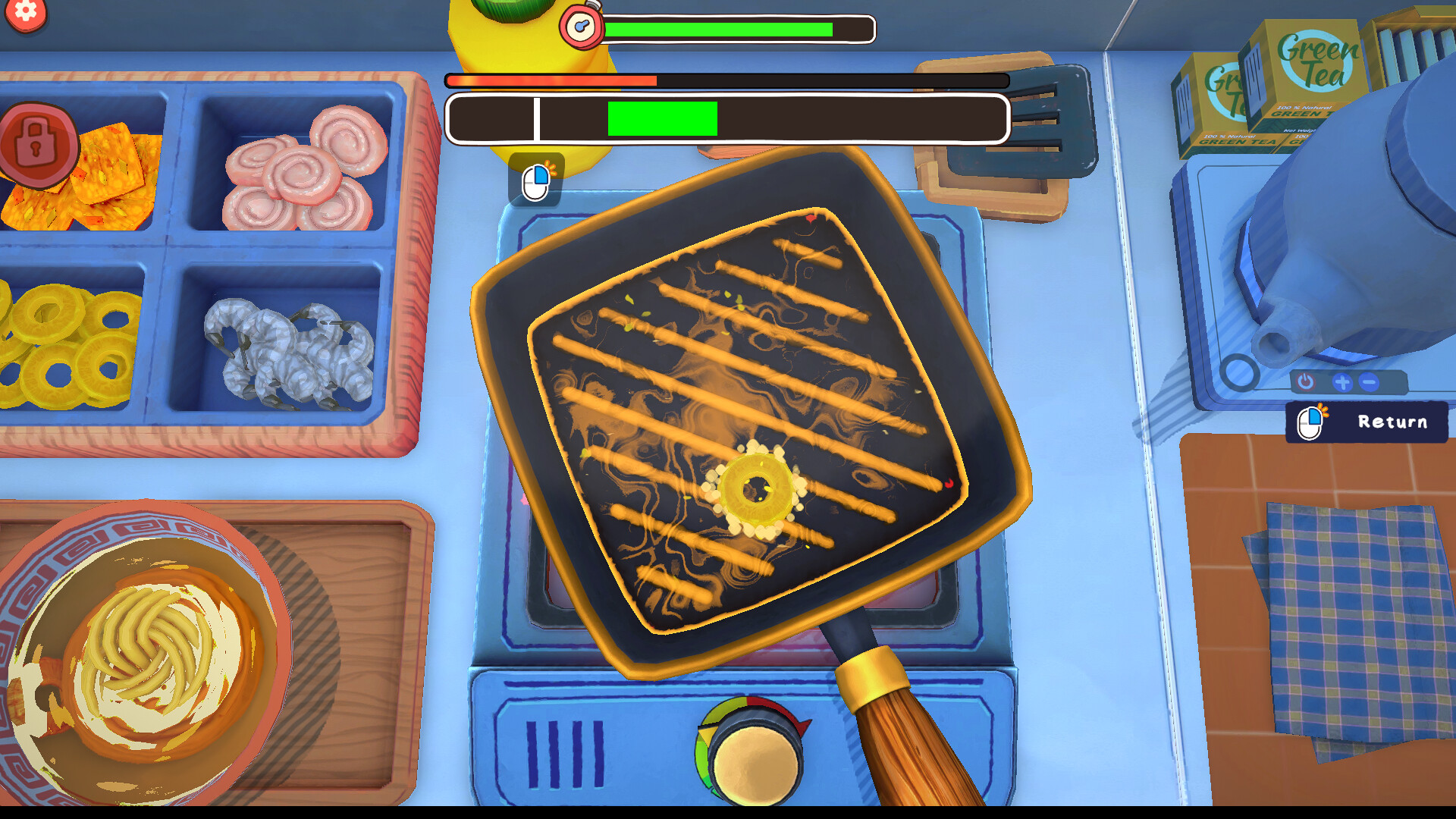
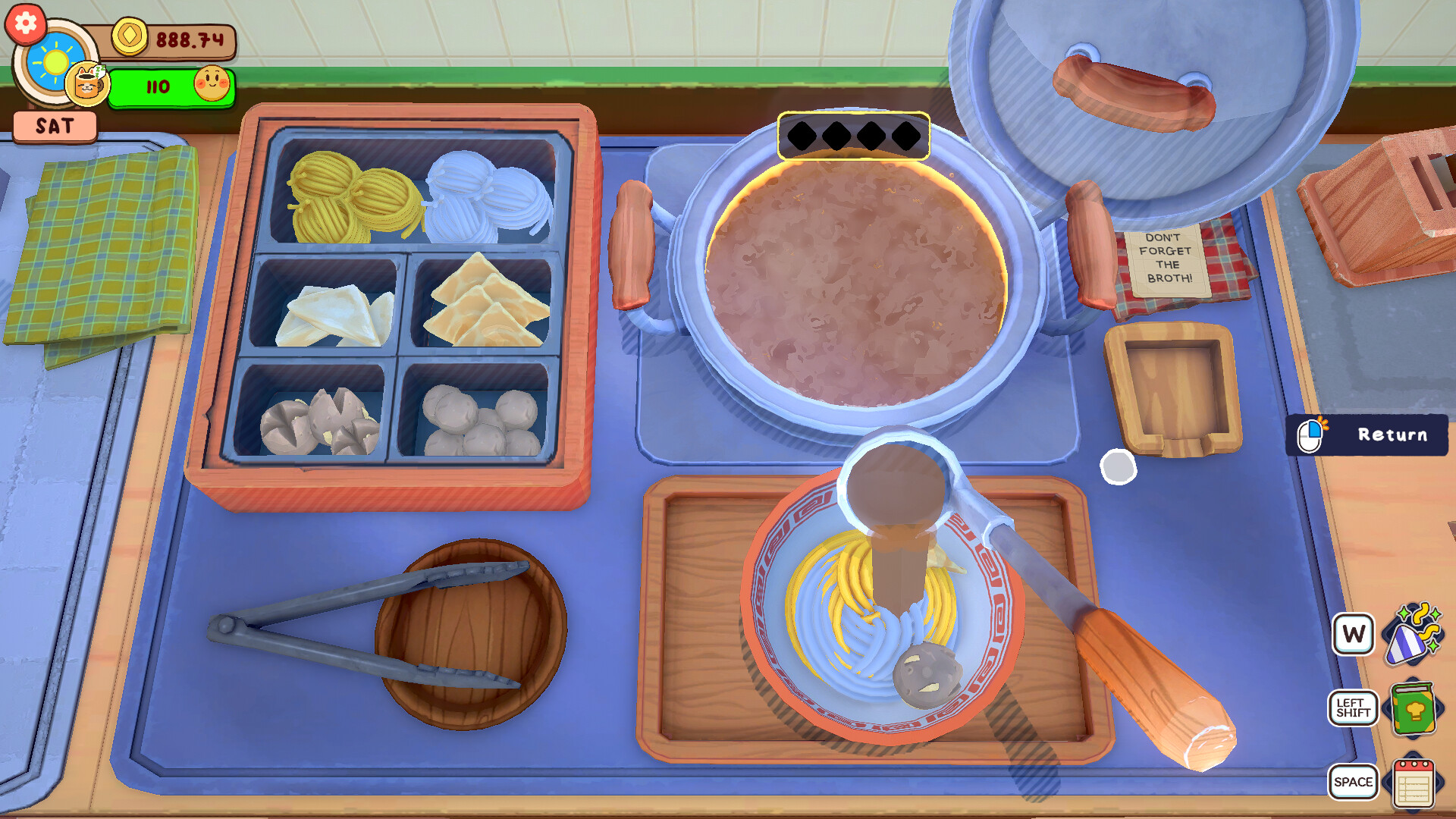
KuloNiku Bowl Up is a cozy cooking simulator where you move to a small town and take over the management of a meatball restaurant that used to be your grandmother's. Every day, you prepare dishes for the locals, choosing the meat, noodles, toppings, and seasonings to please their tastes. Some have a sweet tooth, others hate salty dishes you have to adapt. At first, the kitchen is small, with only three orders a day, but over time, you unlock new recipes, upgrade your equipment, and expand your menu.
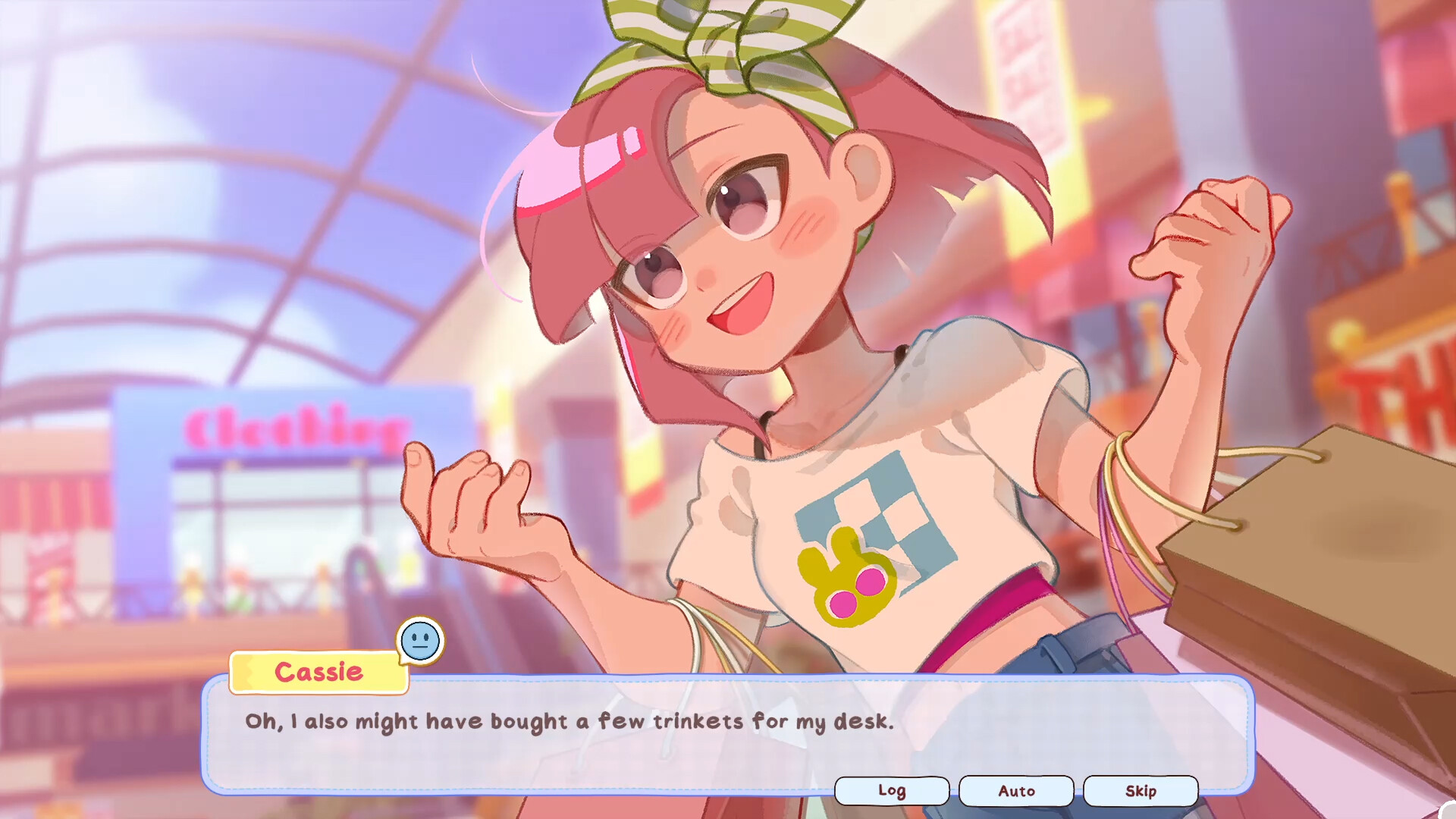
Besides the daily grind, you'll also have to participate in competitions called Meatball Brawls. Here, you'll need to think strategically rather than just cook quickly: you have a limited number of actions, and you need to cleverly combine ingredients to impress the judges. Between shifts, you chat with the town's residents a former classmate who now helps out in the kitchen, a knife loving shop assistant, and even your archrival, the rocker Stella. These conversations aren't just idle chatter: they help you uncover secrets about the characters and sometimes open up new opportunities for your establishment.
NOTE. Uploaded version: 6 June 2026 [Build 22664855] + Update v1.0.7. This is Full Release and latest version of game. The game is already Packaged in ISO File and ready to run, read the instruction below.
System Requirements
Minimum:
Requires a 64-bit processor and operating system
OS: 10
Processor: Intel i5-6600K / Ryzen 5 1600
Memory: 8 GB RAM
Graphics: GTX 1050 Ti / RX 570
DirectX: Version 10
Storage: 2 GB available space
Sound Card: General
Additional Notes: Minimum 1280x720 screen resolution
Recommended:
Requires a 64-bit processor and operating system
OS: 10
Processor: Intel i7-9700K / Ryzen 5 5600X
Memory: 16 GB RAM
Graphics: RTX 2060 / RX 6600
DirectX: Version 10
Storage: 2 GB available space
Sound Card: General
Additional Notes: Minimum 1920x1080 screen resolution
Screenshots
Gameplay Trailer
How to Install
- Download the Full game KuloNiku.Bowl.Up-TENOKE through torrent.
- Mount the Full ISO-image game in the «UltraISO».
- Install the game on you PC, wait for 100% installation.
- Copy all files of the folder «CRACK» in game folder.
- Download and install Update v1.0.7, in game folder. (how to Update the game)
- Lock the game folder in the Windows firewall.
- Play!
Download update only: KuloNiku.Bowl.Up.Update.v1.0.7-TENOKE, MIRROR [ 171.1 MB ]
- Extract.
- Run setup.exe and install.
- Copy crack from RUNE dir to install dir.
- Play!
Download KuloNiku Bowl Up v1.0.7 + Update (TENOKE)
Alternative Mirrors
Game Update History
- KuloNiku Bowl Up Build 22664855 → Update v1.0.7 [ 06.06.2026 ]
- KuloNiku Bowl Up → Build 22664855 [ 08.04.2026 ]


Comments 1