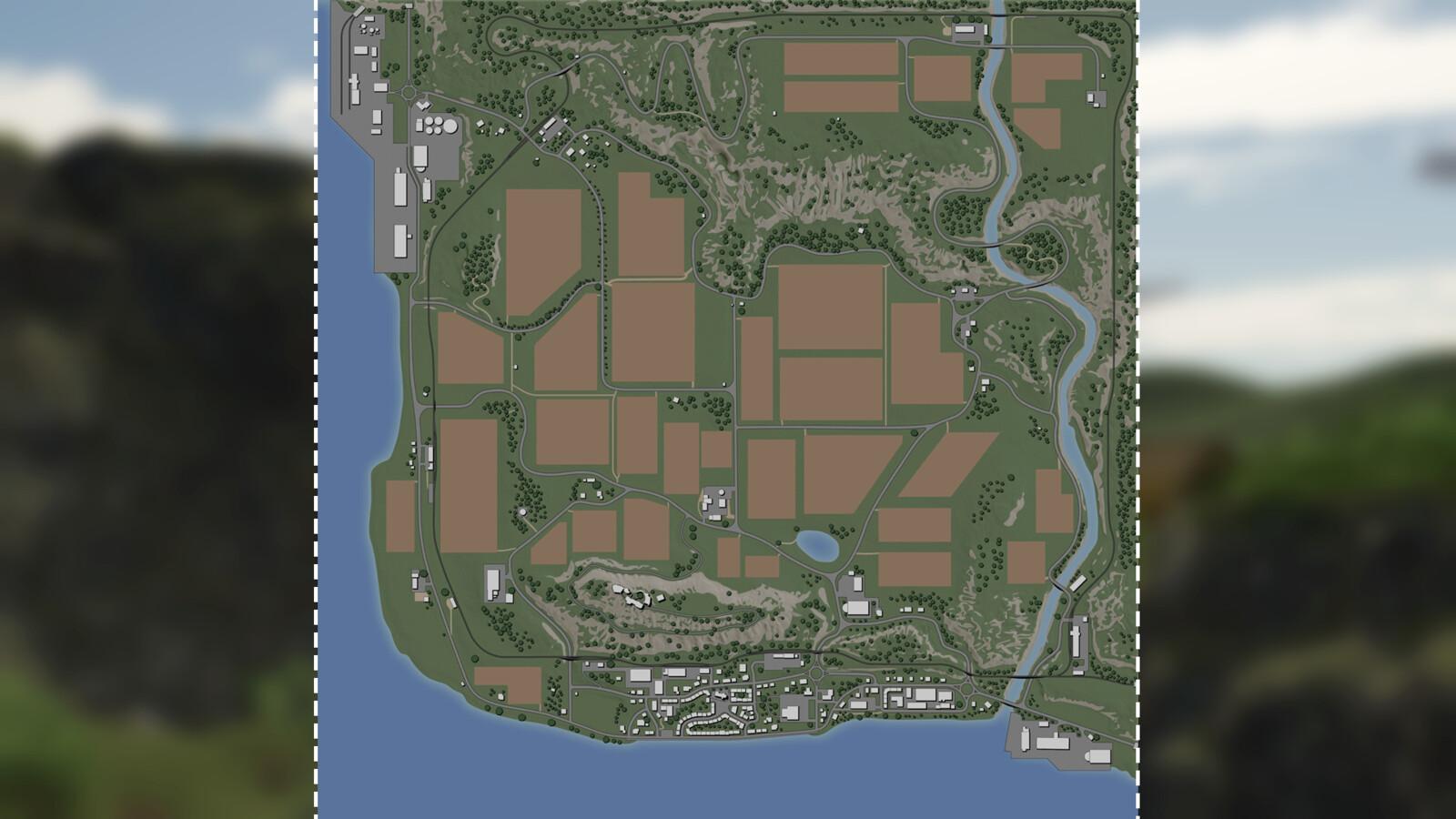
Felsbrunn is a popular map originally from Farming Simulator 19, now fully converted and modernized for Farming Simulator 25. This mod brings back the charming countryside with its rolling hills, dense forests, and a small village center. You start at the main farm, which has enough space for your equipment and animals. The map features 36 fields of various sizes, perfect for both small and large scale farming. There are animal pens for cows, sheep, pigs, and chickens. You also find several production points and selling points, including a biogas plant where you can turn silage and manure into energy. The latest version of the mod has updated textures, improved lighting, and works with all FS25 gameplay mechanics.
Installation is simple. Download the file, extract it, and place it in your mods folder. Activate it in the game menu. The map is compatible with most popular mods and does not require any additional DLC. Whether you are a veteran of FS19 or new to Farming Simulator, Felsbrunn offers a familiar yet fresh environment to build your agricultural empire. You can download the latest version and start farming today.
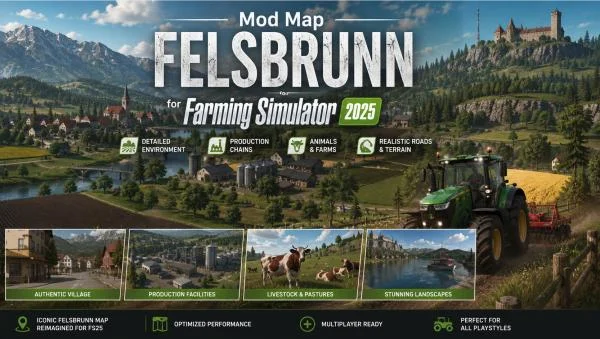
Mod Map Felsbrunn v1.0.0.0 for Farming Simulator 25 v1.19.x
1.0.0.0
FREE DOWNLOAD
DIRECT LINK
Mod Info
- GameFarming Simulator 25
- Mod version1.0.0.0
- Game version1.19.x
- AuthorPuma 145
- File size704.43 MB
- Released2026
About This Mod
Features
-
Full conversion of Felsbrunn from FS19 to FS25
-
36 fields of different sizes
-
Main farm with plenty of space
-
Animal pens for cows, sheep, pigs, chickens
-
Production and selling points
-
Biogas plant for energy production
-
Updated textures and lighting
-
No additional DLC required
Screenshots


Video
How to Install This Mod
- Step 1: Download a Farming Simulator 25 mod from a trusted source. Most mods are provided as .ZIP files. (how to unzip .rar)
- Step 2: Open the mods folder:
C:\Users\YourUsername\Documents\My Games\FarmingSimulator2025\mods - Step 3: Copy the downloaded .ZIP file into the mods folder.
Do not extract the archive unless the mod author specifically requires it. - Step 4: Launch Farming Simulator 25. The game will automatically detect installed mods during startup.
- Step 5: Load or create a save game, open the Mod Selection screen, and enable the desired mod.
- Step 6: Start the game and verify that the mod appears in the shop, build menu, or gameplay features.
Troubleshooting:
- Make sure the mod is compatible with FS25.
- Ensure the ZIP file is placed directly in the mods folder.
- Restart the game after installing new mods.
- Remove conflicting or outdated mods if issues occur.
Direct linkFelsbrunn_UNZIP.zip
DIRECT LINK1 Download: Felsbrunn_UNZIP.zip[ 704.43 MB ]
Helpful Guides




Comments 0